I have the new ClassicPress 2.7.0 and am adding the Classic Plugins. I tried to activate ClassicPress Directory Integration and got this error message:
“ClassicPress Directory integration(sic) is a plugin meant to only work on ClassicPress sites”! Huh?
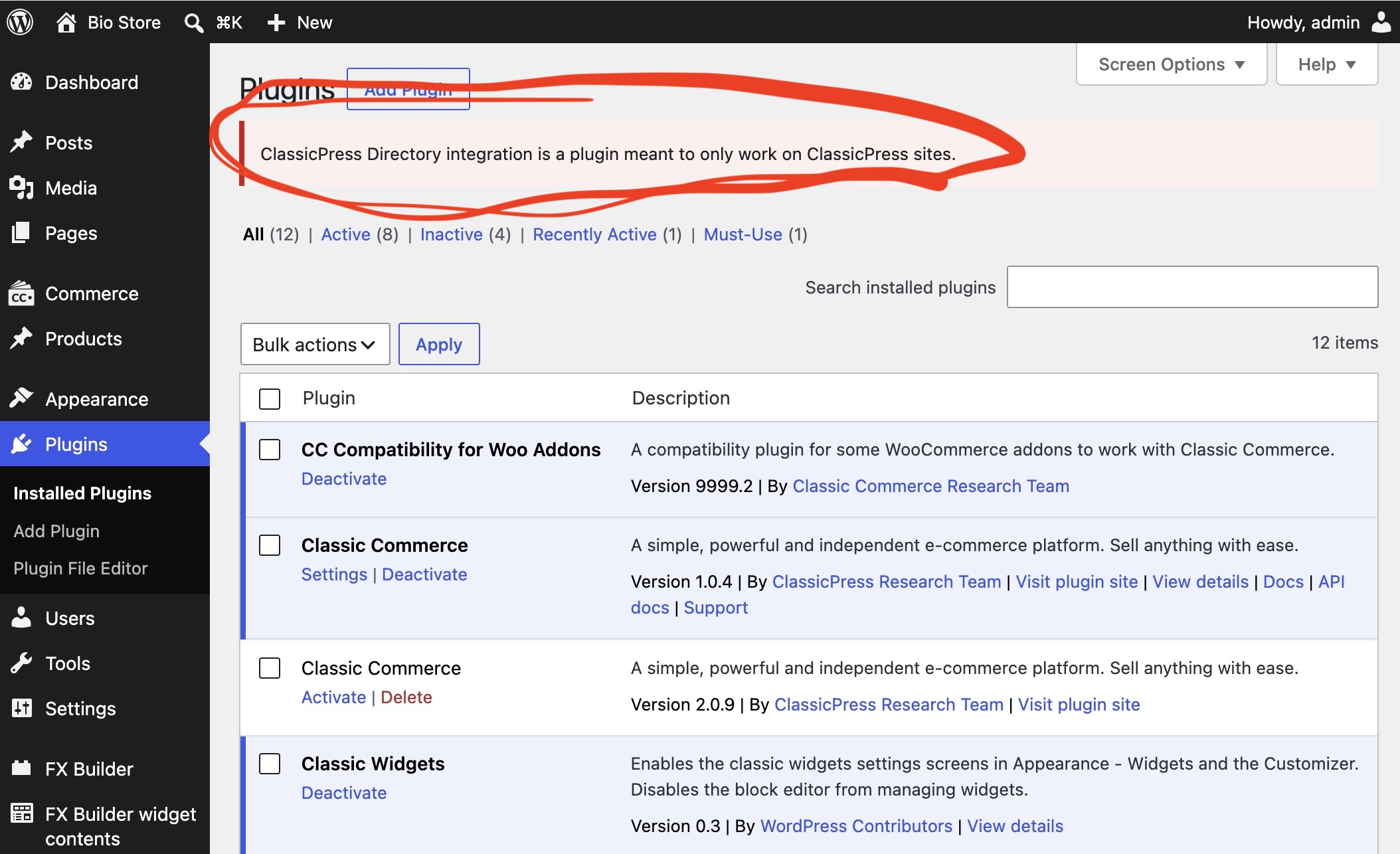
The screenshot you posted is WordPress, not ClassicPress 
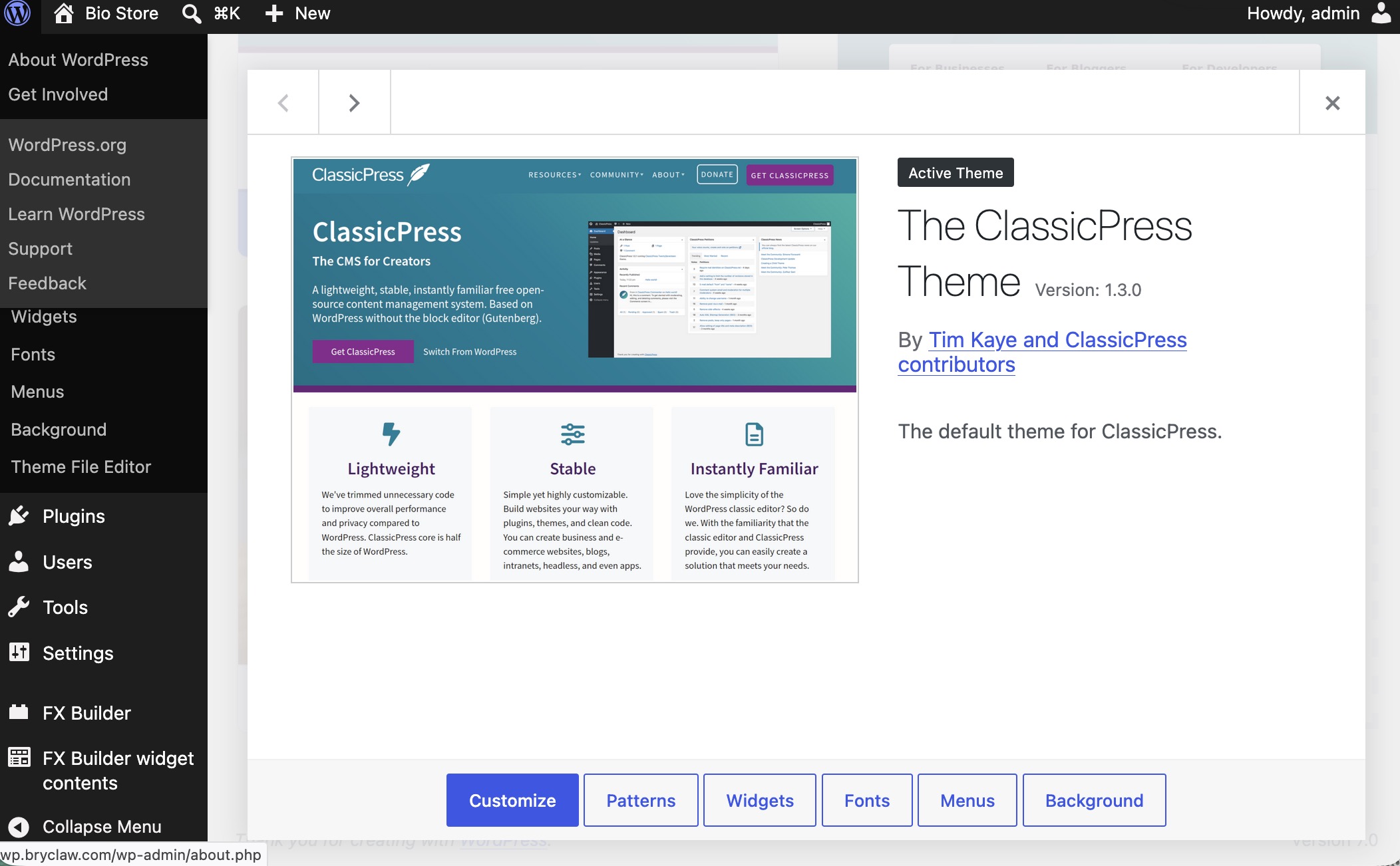
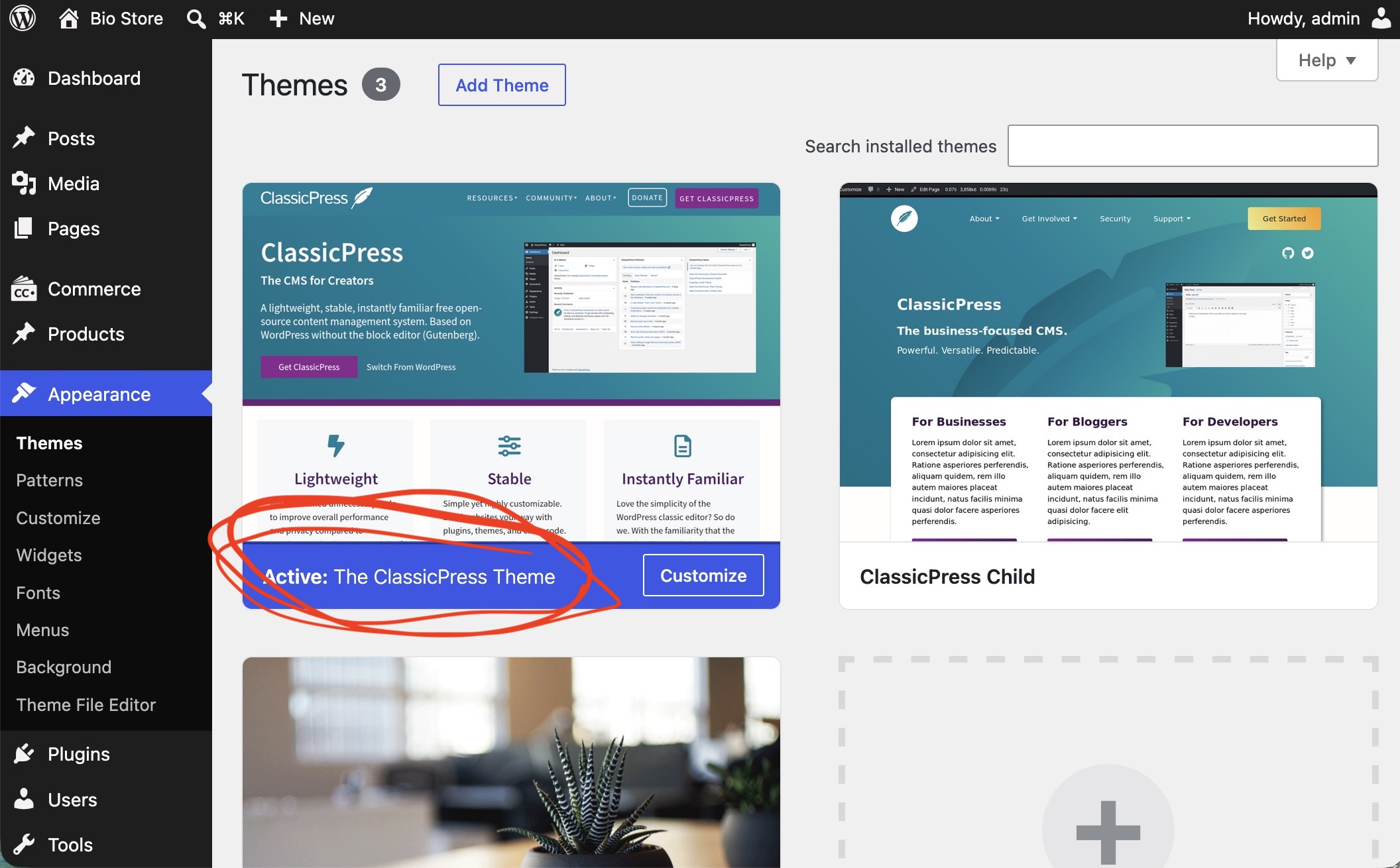
That is the theme.
But the CMS you’re using is WordPress.
Use this plugin to switch to ClassicPress - Switch to ClassicPress | ClassicPress Plugin
You are using a ClassicPress theme and plugins in a WordPress site. this is not enough to make your whole site ClassicPress.
If you go to Dashboard > Updates page you will see that.
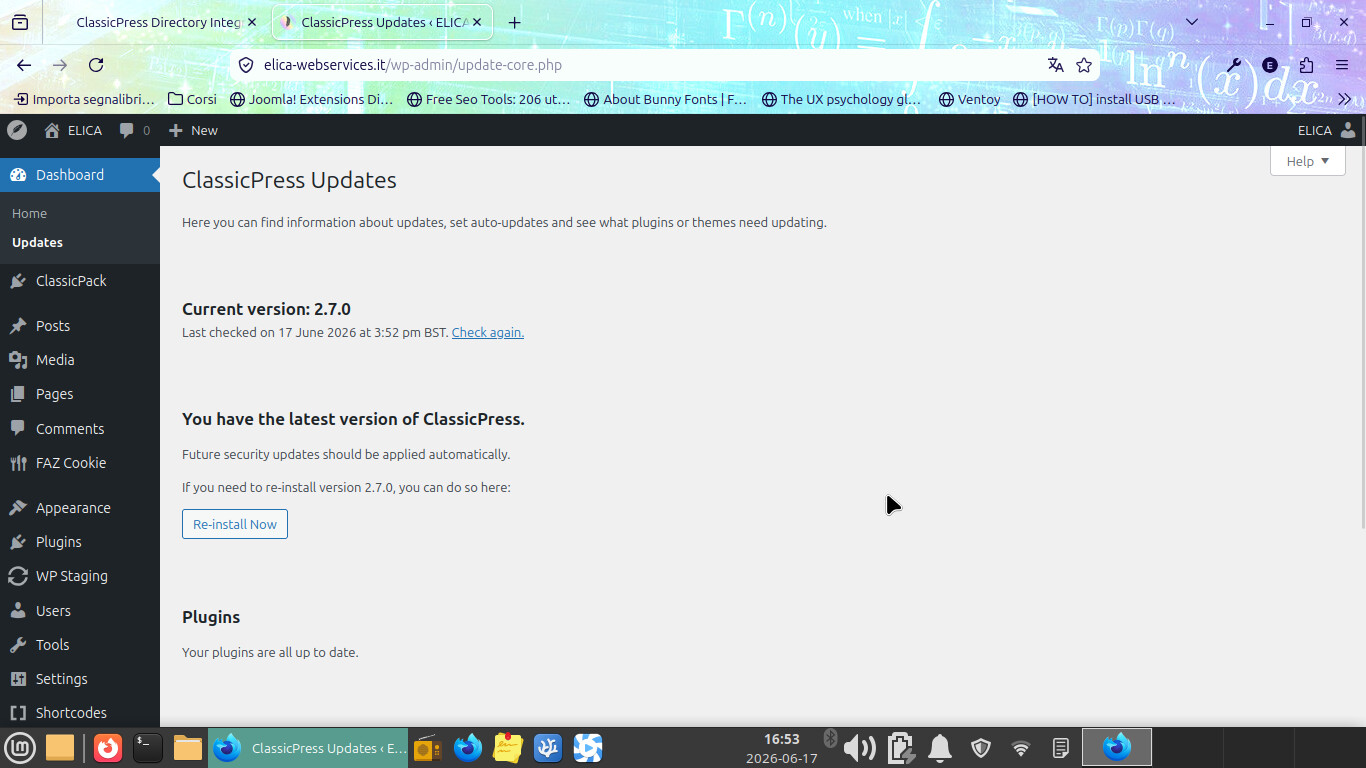
as you can see from this screenshot of my website, when you are on ClassicPress the small icon that sits at the top left is the ClassicPress icon. you have the WP one. Also the Updates page should tell you that you do have WP.
You need to use this method to transform WP into CP How to Install ClassicPress CMS | Download ClassicPress
Ok. I started out with WP 6.x, then installed the switch to ClassicPress plugin. Later I updated to WP 7.0. That must have changed it back. I did that because I knew you could install on WP 7.0
So I can install CP on WP 7 but not upgrade after?
So I need to reinstall the switch to ClassicPress plugin?
I’m future how do I update?
sorry to say just installing the switch to CP plugin is not enough to have CP.
You have to perform the migration by going to Tools > Switch to CP page and click the big migrate button. If you did not do this you are still on WP
After the migration you will not receive WP updates anymore. you will only receive CP updates
For more context, I installed the switch plugin on a WP site I developed for one of the no profits I am a founder of - that unfortunately is WP because it’s an e-commerce website and as of now will not be moved to CP,
This is what is in the Tools > Switch to CP admin page:
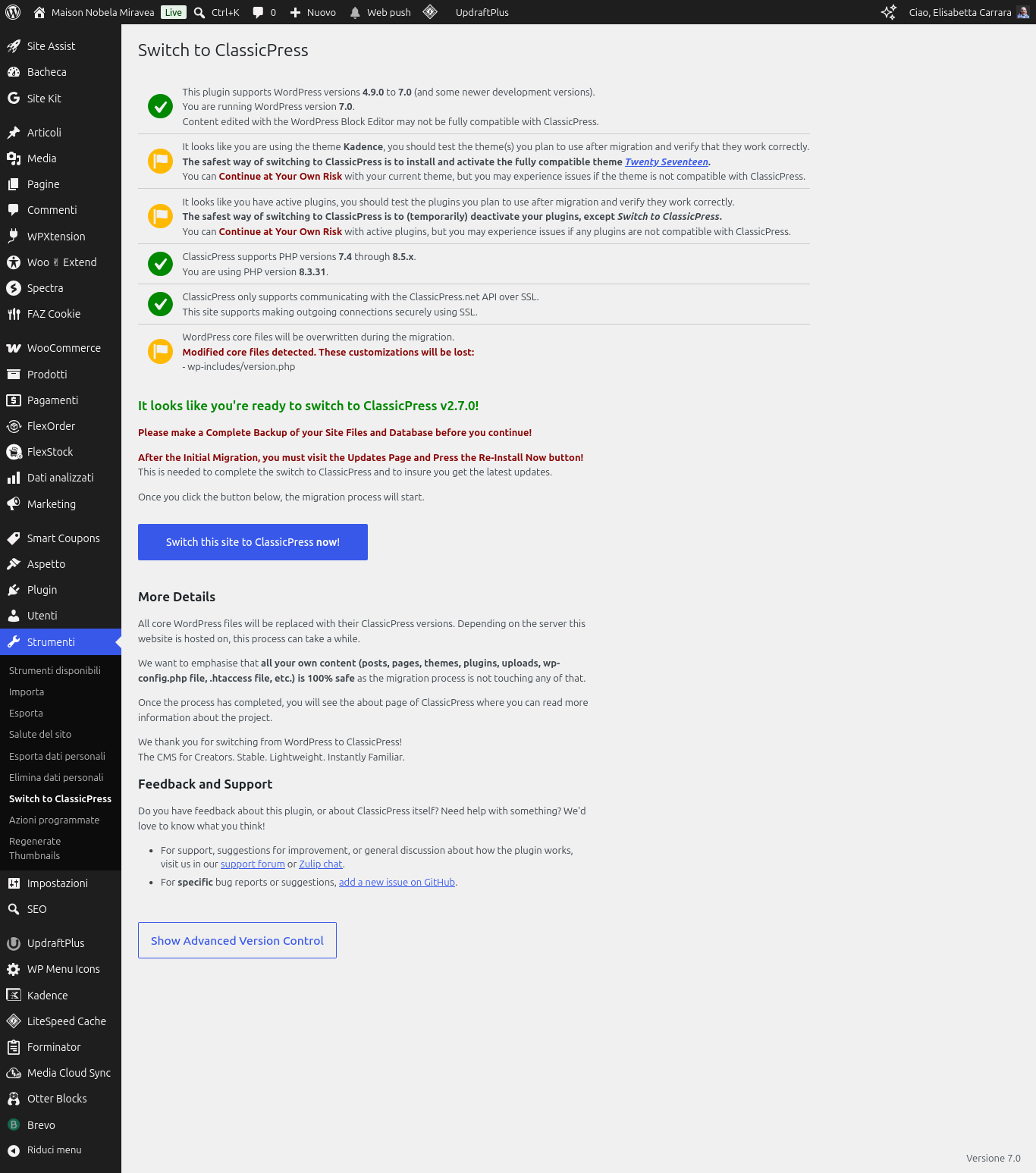
What you need to do is have this page telling you you are ok to switch to CP (if you see red flags you have to solve them first) and then hit the big blue button. After that it will prompt you to click reinstall core because the version used for migration is optimized for migration and it’s not the production one.
EDITED TO ADD: Link to the tutorial How to Install ClassicPress CMS | Download ClassicPress
I did that. I install ed2017, disabled all the plugins, installed ‘switch to ClassPress’ plugin, etc.
However, when I checked the update page it said I have version 1.2 of ClassicPress!
The switch to ClassPress plugin seems to install version 1.2. I am not certain, but that’s about the only thing it can be.
I then downloaded version 2.7.0 and installed it.
Now, I have a question: what do I do with the ‘switch to ClassicPress’ plugin?
Thanks again, I am getting up to speed faster because of this wonderful community.
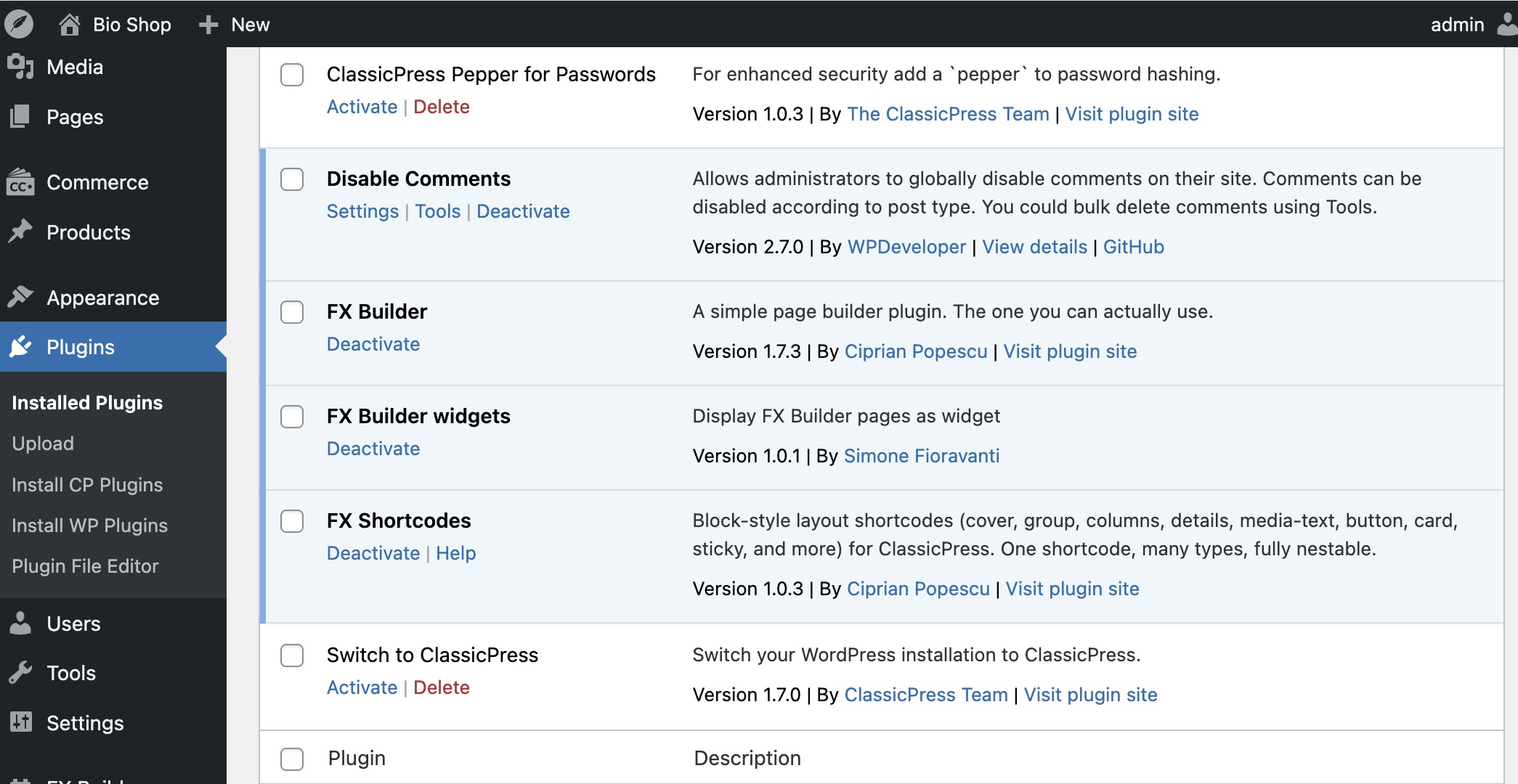
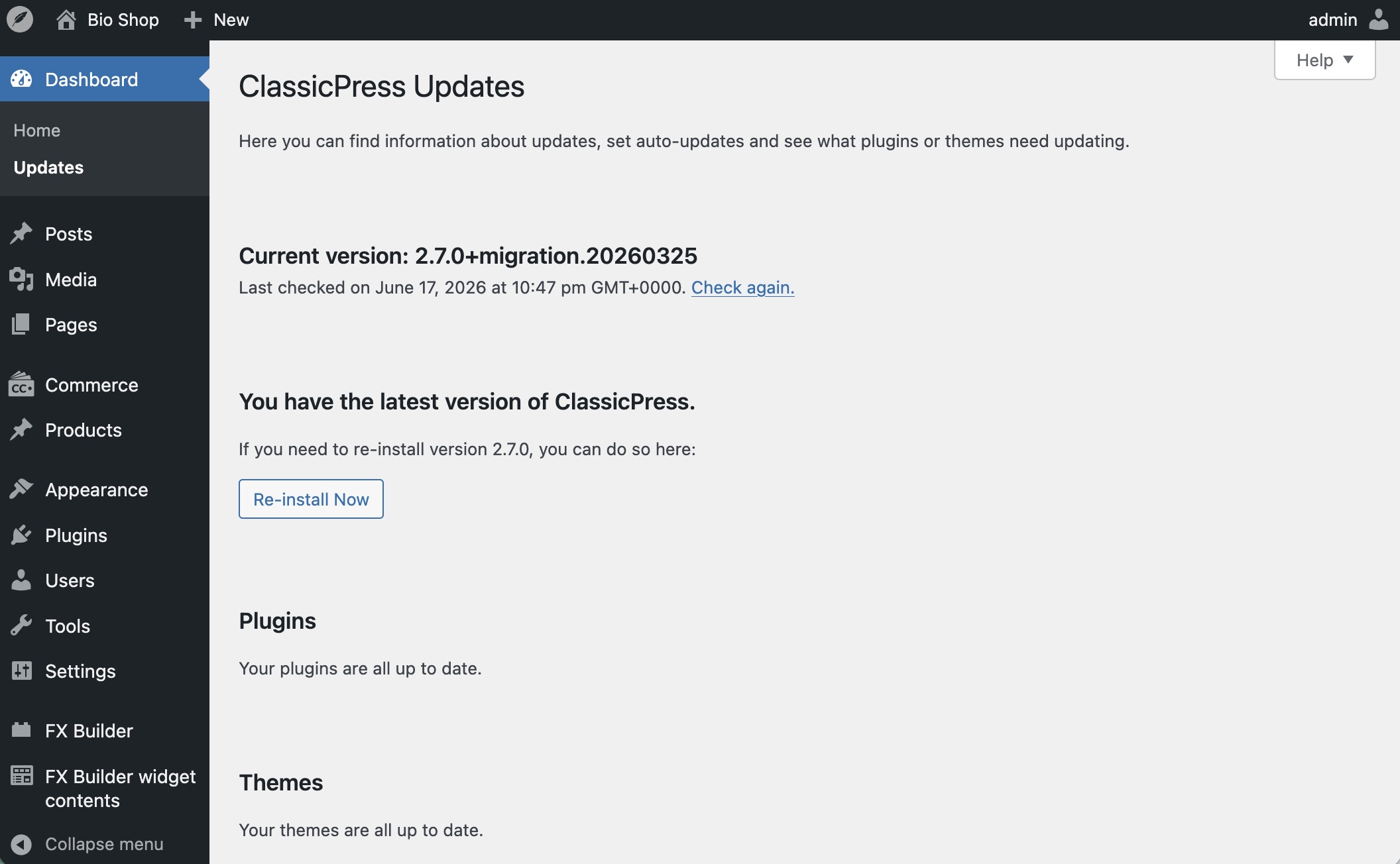
The plugin is useful to keep because it can be used to install nightlies or rollback in case of an issue with an update.
Go to its page and click the advanced section button and you will be able to see the options.
it was born as a migration plugin but it’s also a way to switch between CP versions (and I think by design it defaults to CP v1 and then you need to upgrade to latest using it)
It defaults to the latest ClassicPress version (2.7.0 an now) shown by CP’s API.