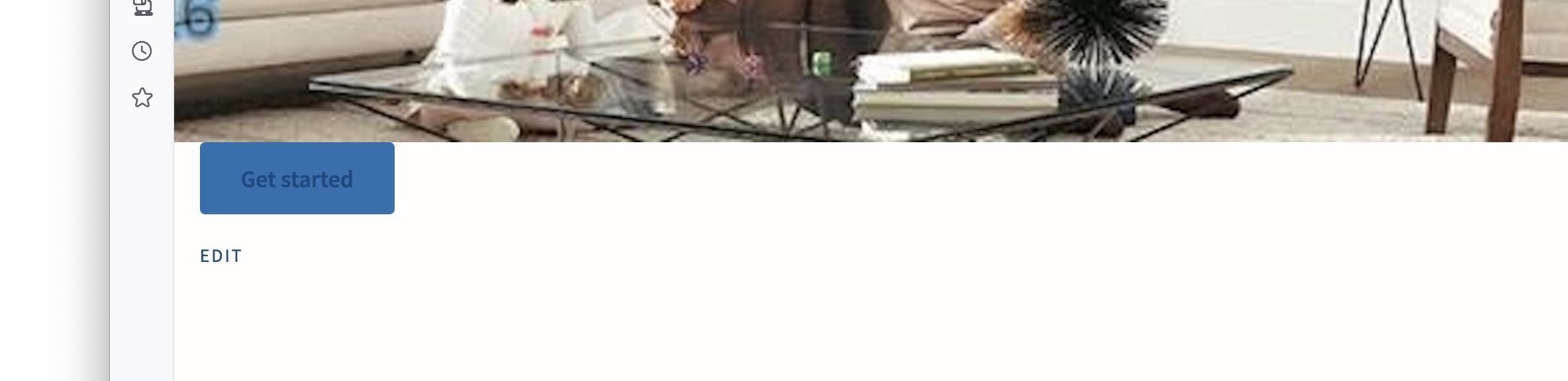
I enter the Cover snippet, and add the hero image. The ‘get started’ button us often outside the image. Also, the button text is blue instead of white.
Why?
you have to enter it in the text window, not visual. And you have to tweak it properties (read the docs!)
this: FX Shortcodes – getButterfly
it explains all the possible things you can tweak in the shortcode. the one provided is just an example you have to build your own with the correct param.
the text and button being OUTSIDE means you placed them out of the [element]…[/element] shortcode because it’s a shortcode that has an opening and a closing. between the two you need to put the content that should show on the cover and inside the first [element] you have to place all the parameters.
Thanks for your help.
What am I doing wrong???

…can you just paste the text you are using? however I see that you are pasting the cover inside the cover,
Basically you have something like this:
[element ALL PARAM ARE HERE]
ELEMENT CONTENT (here you can have simple text, HTML or other elements or a mix of those
[/element]
now for the cover you need something like this:
[element type=”cover” height=”100vh” width=”full” background=”YOUR IMAGE URL” overlay=”#000000″ overlay-opacity=”0.4″ text=”#ffffff” align=”center” vertical-align=”center”]
<h1>Hi, this is HTML. it will show on top of the background image</h1>
<p>I am a paragraph instead.</p>
I am a simple text (and I will be treated as a paragraph when rendering)
[element type=”button” url=”/get-started” style=”fill” size=”large”]I am a button to click[/element]
[/element]
As you can see here there is the correct NESTING that I suppose was what was wrong.
To be also noted the shortcode wants you to add the media URL in the specified format /wp-content/uploads/hero.jpg because adding an image from the media library will bring in all the properties of the complete thing (CP adds classes for sizing and alignment to images uploaded via media library, you do not need them because the shortcode already handles that) so it is better to go to Media > your image and copy the part of the url you need.
Now let’s look at something in detail:
[element type=”cover” height=”100vh” width=”full” background=”YOUR IMAGE URL” overlay=”#000000″ overlay-opacity=”0.4″ text=”#ffffff” align=”center” vertical-align=”center”]
This here is the OPENING of the COVER shortcode - if you read the docs there are a bunch of properties that can be set for the majority of the shortcodes and some that are specific to the cover one. this is because these are element shortcodes and the distinction is made using the parameter type"=“cover” in this case (so basically the element has various “templates” and behaves differently based on the tyoe).
This means you are not limited to the use of the parameters of the cover but can add few more from the generic ones.
The fact that they are elements means they can be nested - but this means one thing: you have to check your squared brackets and your opening and closing ones. (openings are [element] and closing are [/element], and for SELF CLOSING ONES like the line or separator you have to check to write them correctly (example, the spacer one: [element type=”spacer” height=”3rem” /] as you can see it has a trailing slash AT THE END).
Basically they are very complete but require you to check everything correctly and have all your brackets/opening and closing and self closing accounted for.
Again, I appreciate your help. This isn’t easy to explain across languages, countries, platforms, and traditions. That’s why I chose a video.
I don’t see what you are saying that differs from what I did.
I copied the exact example, entered it as text, removed the HTML I didn’t want, and pasted the image code exactly as shown in the example: “/wp-content/…jpg”!
[element type="cover" height="100vh" width="full" background="/wp-content/uploads/2026/07/FreshAirBigHero.jpg" overlay="#000000" overlay-opacity="0.4" text="#ffffff" align="center" vertical-align="center"]

[element type="button" url="/get-started" style="fill" size="large"]Get started[/element]

[/element]
Why does “copy and paste” not work?
Also, this is a wide image. I would like it to fit the space and be responsive. Maybe “cover” is the wrong choice?
Sorry to be obtuse.
Your nesting looks correct — you have one [element type="cover" …] opening tag, a button nested inside, and one [/element] closing tag. That matches the docs. It is not a case of “cover inside cover”.
When copy-paste “does nothing”, it is usually one of these:
-
Smart quotes — Forum posts often turn
"into curly"". Shortcodes only work with straight quotes. Retype the shortcode in the Text tab, or paste into Notepad first and fix the quotes. -
Visual editor — Switch to the Text tab before pasting. Save, then preview.
cover is the right element for a full-width responsive hero. The image is scaled with object-fit: cover — it fills the area and crops edges on smaller screens. For a very wide photo, add focal="50% 40%" (adjust the percentages) to keep the important part in frame.
width="full" needs a theme that supports wide/full alignment. If the hero stays inside a narrow column, try your theme’s full-width page template, or ask in theme support about align-wide / alignfull support.
Try this exact shortcode in Text mode (retype quotes if you paste):
Minimal (hero + button only):
[element type="cover" height="100vh" width="full" background="/wp-content/uploads/2026/07/FreshAirBigHero.jpg" overlay="#000000" overlay-opacity="0.4" text="#ffffff" align="center" vertical-align="center"]
[element type="button" url="/get-started" style="fill" size="large"]Get started[/element]
[/element]
Recommended (adds heading + tagline + focal point for wide images):
[element type="cover" height="100vh" width="full" background="/wp-content/uploads/2026/07/FreshAirBigHero.jpg" overlay="#000000" overlay-opacity="0.4" text="#ffffff" align="center" vertical-align="center" focal="50% 40%"]

<h1>Fresh Air</h1>

<p>Your tagline here.</p>

[element type="button" url="/get-started" style="fill" size="large"]Get started[/element]

[/element]
A few notes:
-
Line breaks inside the cover are optional; one line works too.
-
Replace
/get-startedwith your real page URL. -
If the image still looks wrong on mobile, tweak
focalor lowerheight(e.g.70vh).
If it still does not work, tell us what you see on the front end:
-
Raw
[element …]text → parsing / plugin / editor issue -
Hero box with button but no photo → image URL or 404
-
Photo visible but not full width → theme /
width="full"support -
Photo cropped oddly → adjust
focal, not the element type
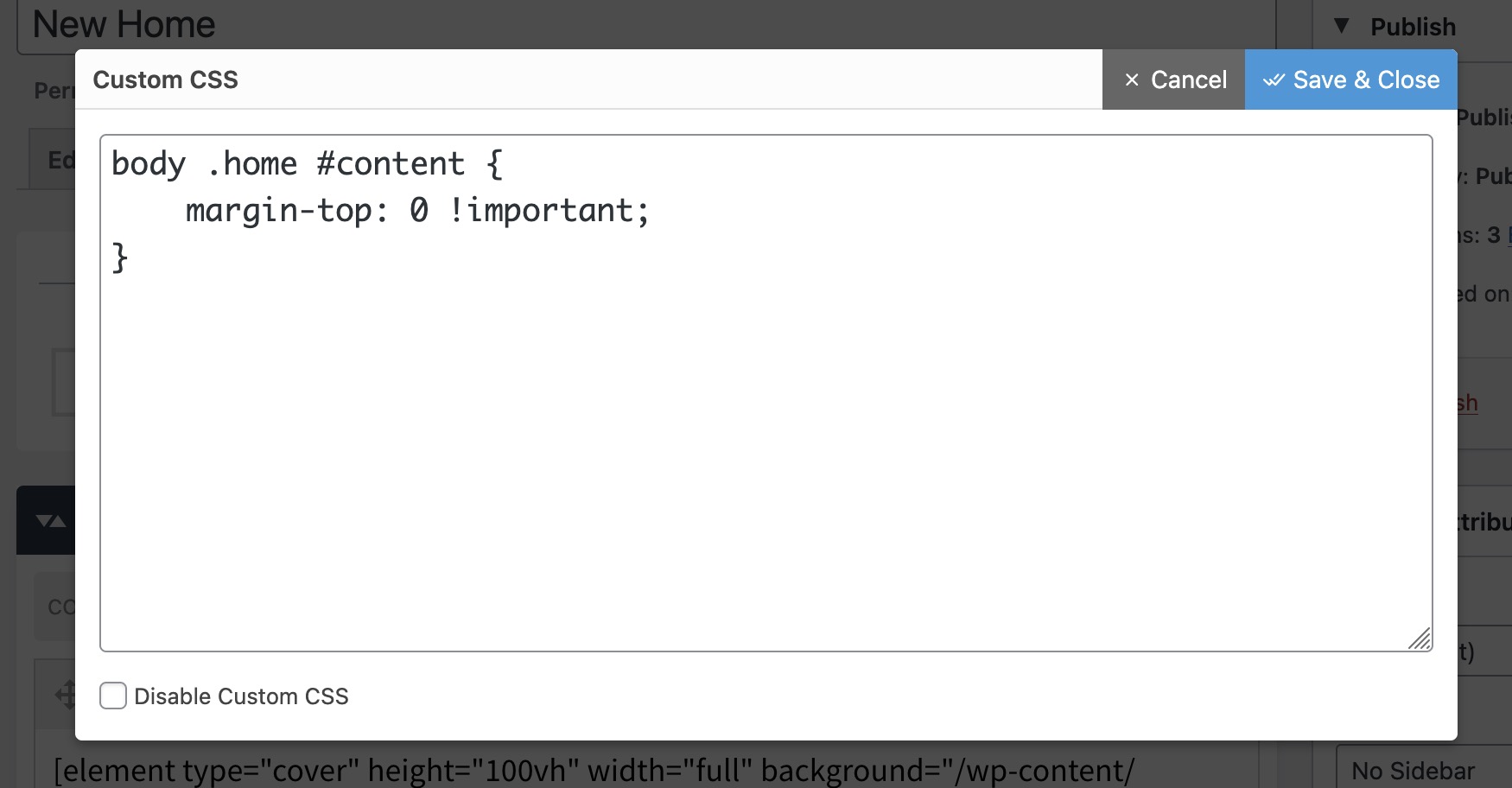
CSS not sticking? Check if the shortcode settings panel has its own styling options. Might be simpler than wrestling with CSS overrides.
FX Builder has it’s own CSS panel - the shortcodes plugin does not. and yep - using FX builder inbuilt CSS panel might help
Welcome