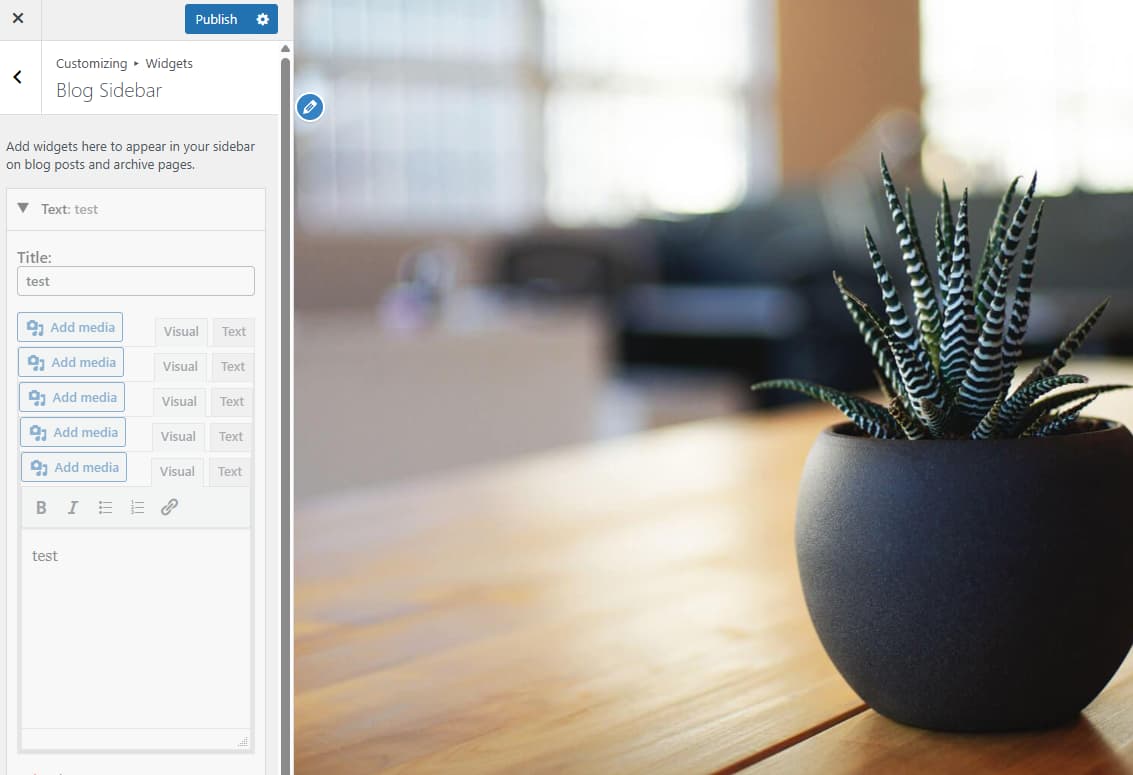
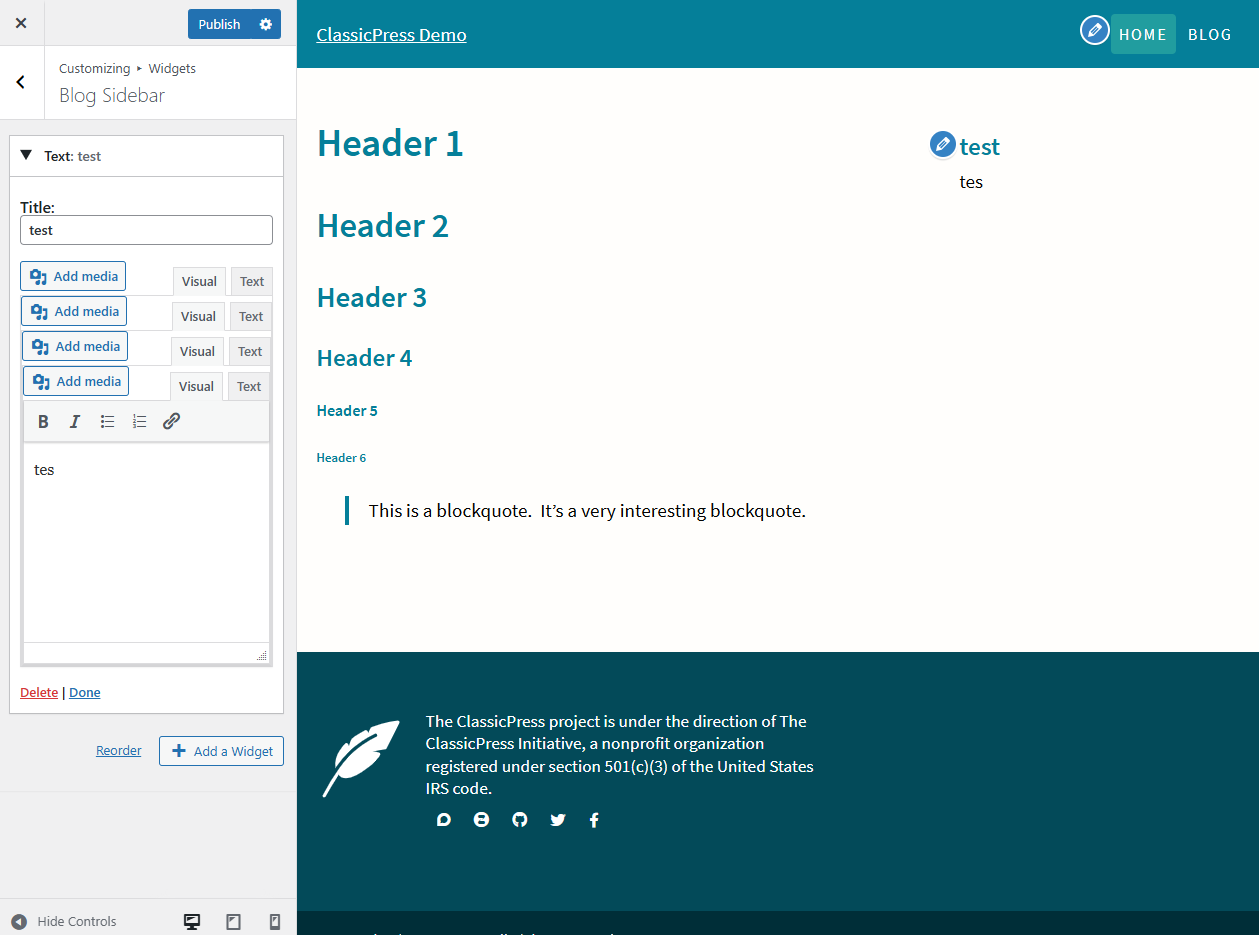
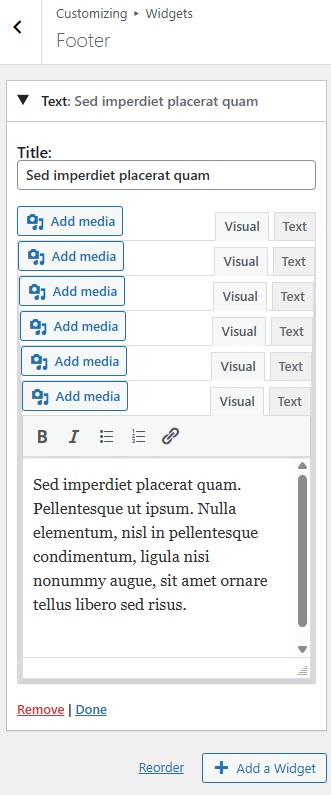
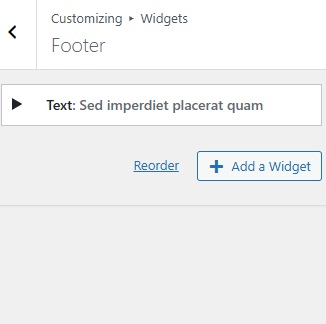
Hello, I noticed this while testing a theme that I just started on. I couldn’t find any previous reference to this in the forum or github. This is showing using the Twenty Seventeen theme. The widget is duplicating every time I press enter inside the title box or the text box.
Console errors:
Uncaught TypeError: Cannot read properties of null (reading ‘addClass’)
at n. (load-scripts.php?c=0&load%5Bchunk_0%5D=heartbeat,customize-base,customize-controls,wp-backbone,customize-widgets,wp-sanitize,customize-nav-menus,jquery-ui-widget,iris&ver=cp_872fe612:5:2884)
at c (load-scripts.php?c=0&load%5Bchunk_0%5D=jquery-core,jquery-migrate,wp-hooks,underscore,wp-dom-ready&ver=cp_872fe612:12:8748)
I am using a local installation of ClassicPress. I’ve disabled all my plugins and browser extensions. Tested on Chrome.
Apparently you are using the ClassicPress version of it (it has a blog sidebar that I do not remember the official WP one to have).
I tried to reproduce to no avail, widgets do work for me.
The error points to the fact that it is trying to add a class to widget markup but the firing of the event for some reason is triggered twice.
This could depend on various reasons:
a bug in the theme
a markup mismatch from what the function expects and the theme markup (very possible if templates have been slightly altered by core team to clean them up a little)
something core does JS-wise that the theme is not aligned with yet due to it using old libraries.
What happens if you add/edit/remove widgets from Appearance > Widgets instead of using the customizer?
I just tried in both Chrome and Firefox and, like @ElisabettaCarrara, I didn’t experience this problem.
But I didn’t use either the WP or CP version TwentySeventeen because I can’t find a page that uses widgets. So what exactly do you mean when you say that you have been “testing a theme that I just started on”? Have you customized it in some way?
the blog page sidebar widgets should show on the blog list page, while the normal sidebar on all other pages apparently - but I admit I have not tested that, just assumed that being the “blog sidebar” that was what it was going to do.
about customization, either they just had a fresh install of CP or modified the code, as they said they will report back with more info later.
I’ve tested using the ClassicPress theme - I wasn’t sure which version of Twenty Seventeen I had installed so this is less confusing.
I tried replacing the wp-admin and wp-includes folders with freshly downloaded versions of those folders just in case there was a problem with the installation in my local development environment.
I see the problem on all the Sidebars that show within the customizer.
In the main Widget screen, under Appearance > Widgets it works fine - there’s no duplication.
I’m using ClassicPress 2.5.
I noticed this while starting to build a new theme from scratch - I haven’t modified either of the themes that I’m showing in these examples. I’m not using a child theme. I just switched themes to see if it was my code causing the problem.
I cleared my cache just in case my browser had stored old versions of the JS files.
I installed a new WP install on Local and migrated it to ClassicPress using the migration plugin. The error is still there.
Tested the fresh ClassicPress install in Chrome, Firefox, Brave - error shows on all browsers
How are widgets showing in the Customizer? When I tried with the CP 2017 theme, it said there wasn’t a sidebar on posts and so widgets weren’t available.
I am not able to reproduce any of this with my own fresh install.
That said: It might be a conflict with something that you have installed. You say you noticed this while working on a new theme, switched to other themes and cleaned cache to see if it was the same. and then created a fresh install on local by flywheel to test. and the issue was there. even by using different browsers.
Me think that at least for a bare minimum CP fresh install you have installed a couple plugins and a bunch of themes (2017 both flavors, CP theme, Pepper for Passwords, Switch to CP and possibly the Directory Integration) correct? because this to me is the barebones CP install. and you migrated from WP every time or only to test on local by flywheel? the others were pure CP installs? What version of WP did you migrate to CP for flywheel? that might be relevant to have a wider context to try and test to reproduce your steps to see where the problem occurs.
Aside from this: there was some work on widgets to remove backbone.js - could that be the issue @timkaye? I think it’s a very far stretch but it’s the only other thing that nags at me. it shouldn’t be an issue but once you remove the obvious….
In Chrome at my test install (CP 2.5) I went to a widget area in the Customizer, added a text widget, and pressed enter a couple of times in the widget title and/or content field. So exactly the same as Crystal reported.
I think it has something to do with the recent overhaul of the widget code. Might also be related to the auto-safe feature of the Customzier?
I can reproduce it now. The Enter key thing was a red herring. Using The ClassicPress Theme I can now get it to happen on any keyup in either the widget title or widget content in the Text widget in the Customizer. It doesn’t happen in any of the other widgets, which is interesting since that’s where almost all the code changes have been made.
Hardly any changes have been made to the Text widget (so far — I am currently working on bringing it up to speed). And, as already reported, it doesn’t happen in the admin. So it looks like some Customizer-specific modification needs to be added to the Text widget.
EDIT: One weird thing is that I’m not currently getting an error message in the browser console.
I have found the cause of the problem, and the relevant code. The widget is re-initializing on every sync in the Customizer. Now just need to work out the cleanest way to fix it!
I have done a bit more research and the inaccessibility of the content area is a known bug with TinyMCE v4 that needs a timeout to address it. So my new suggestion is to go the the file at ~/wp-admin/js/widgets/text-widgets.js and change the function handleWidgetUpdate to read like this: