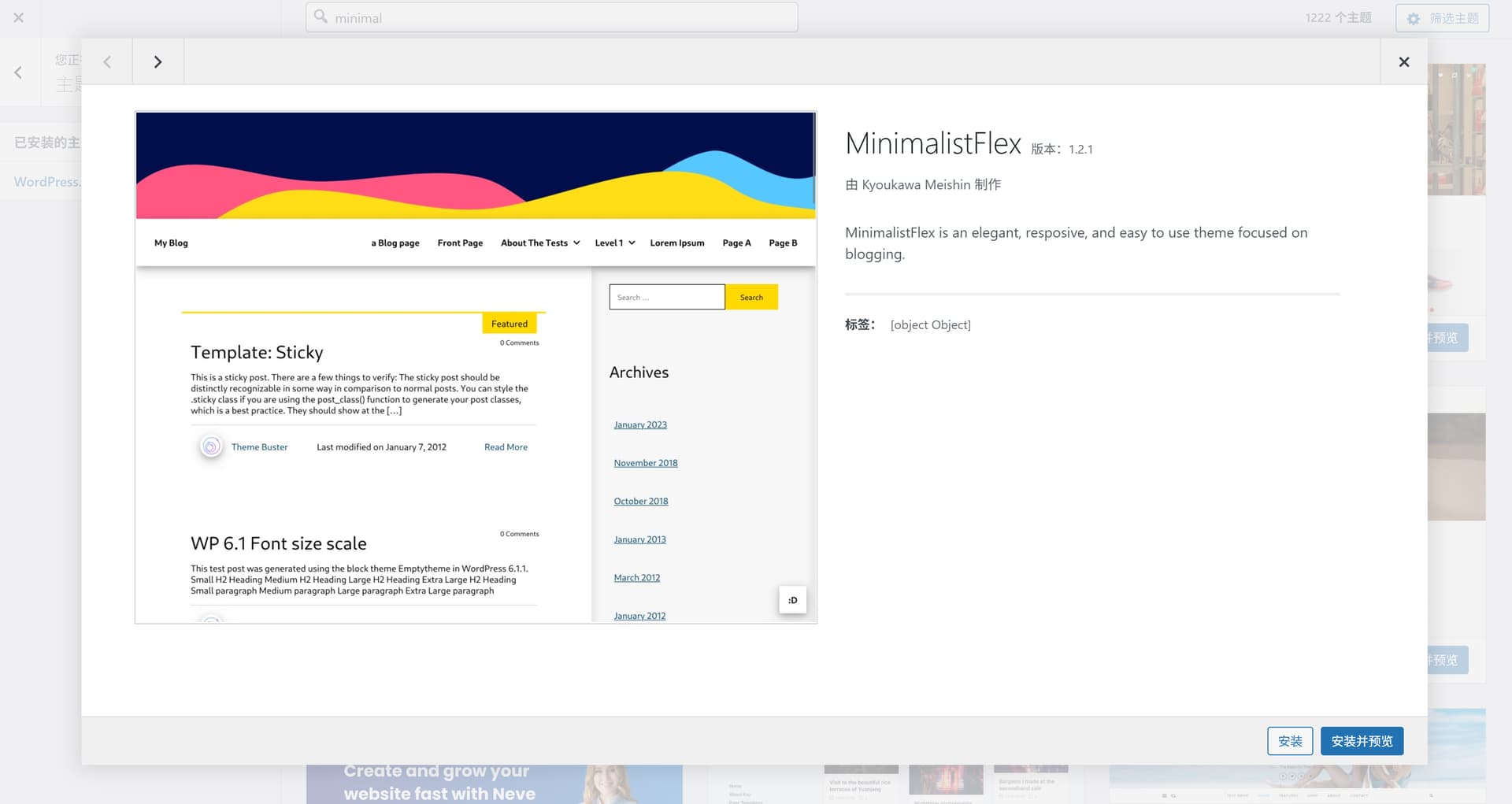
I believe you must be using CP version 2.4.1. In the current nightly version, we have completely removed the displaying of tags from the modal. That matches the behavior in WP.
Just to be accurate, this happened to me also in the past with themes like Astra, OceanWP, hestia etc. but I attributed that to them being somewhat related to block stuff or having their own customizer addendums that allowed to set global values for design elements. I started to notice this using v. 2.x (it was before 2.4.1 since it relates to v.2 early days but can’t remember exactly what V2 release it was).
I never reported because I was under the impression that this was due to WP diverging from CP in customizer usage.