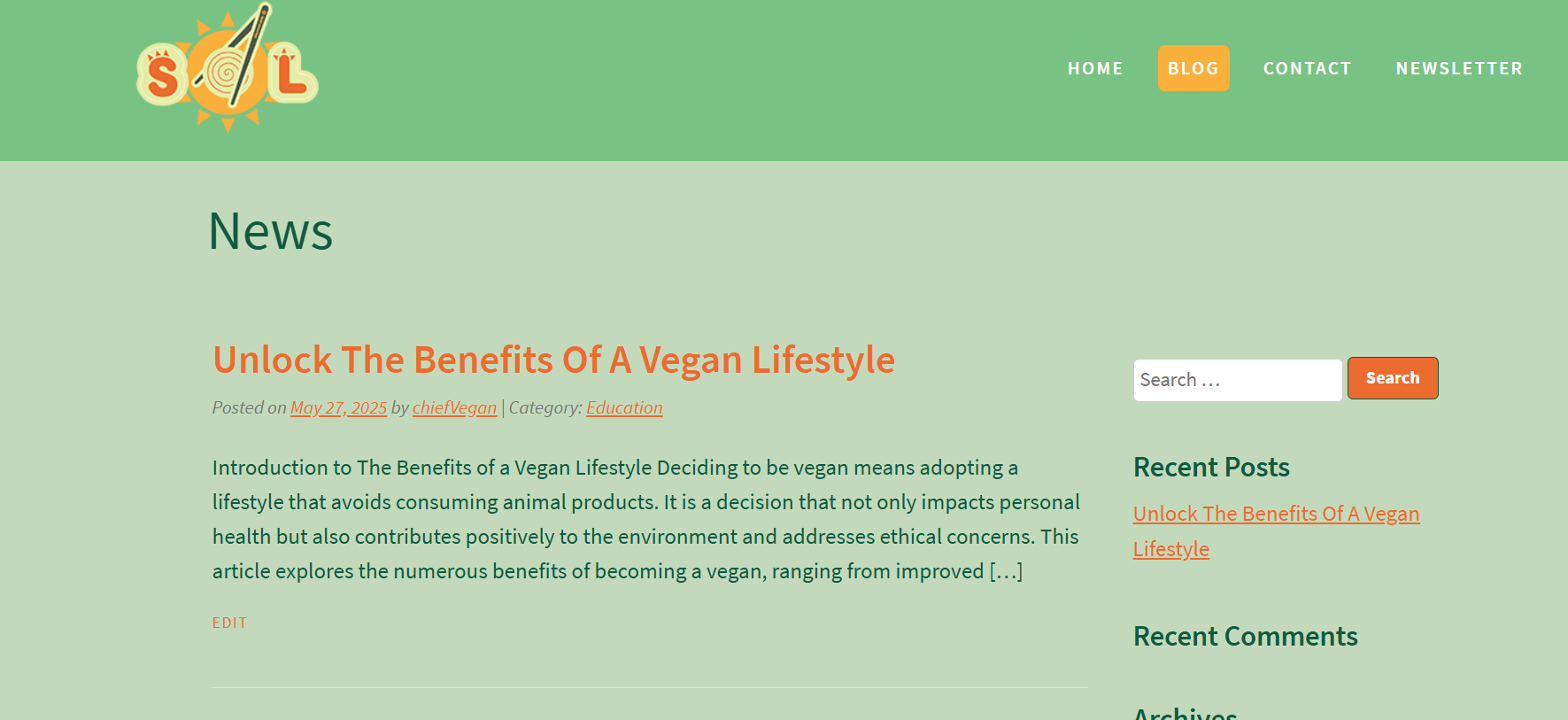
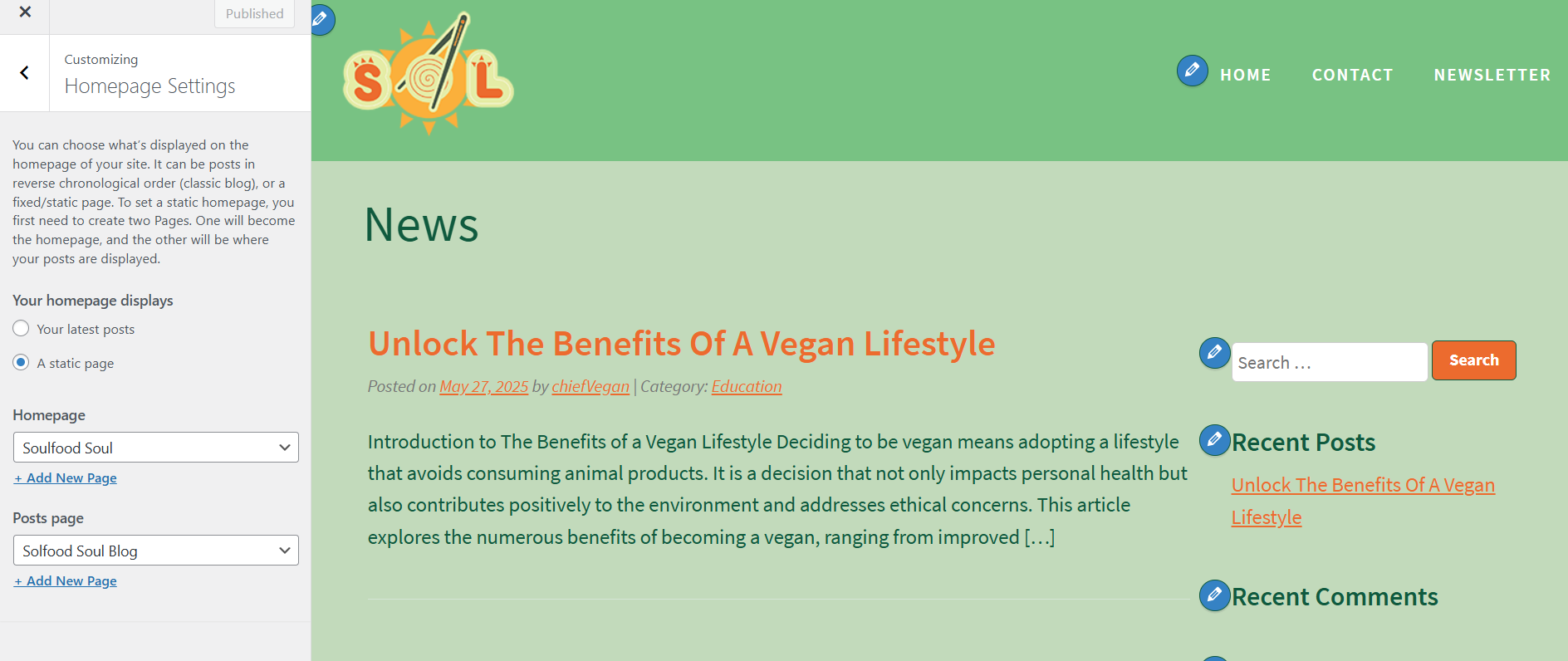
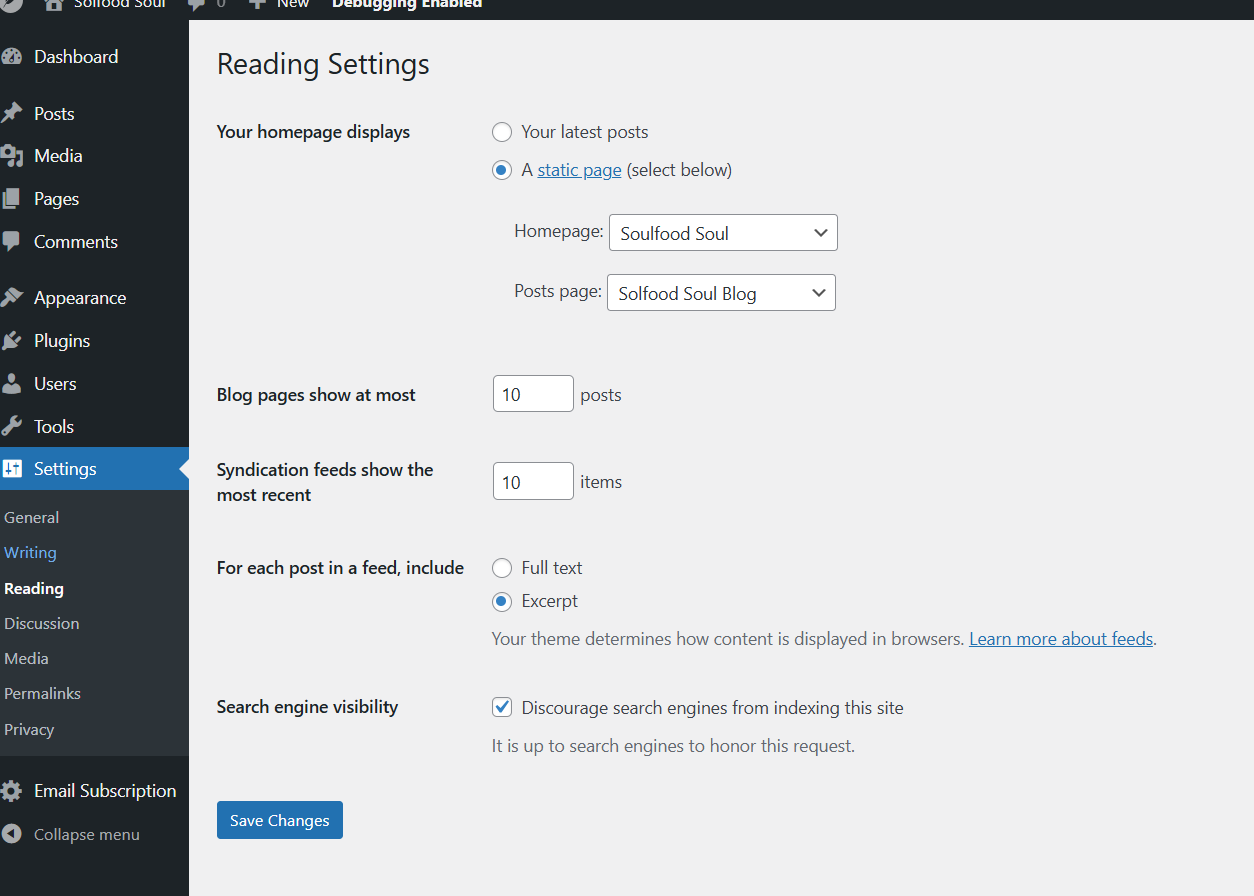
So I am using the current version of classicpress 2.4.1 with the default theme. I am building on my local wamp server until I get it where I want it before going live so no link sorry. The issue is that every other page has the page title in the header correct except for the blog page. Tried different browsers, clearing cache, viewing in private mode, deleting the page and creating a new one but the page title always reads News instead of the title I put in the text box at the top of the page editor. If I delete the page and create a new one than preview it I see the correct title but once I change the homepage settings to the blog page it switches back to News again. Been looking around for a while now and can’t seem to figure out why. Can anyone shed some light on this or provide a solution? Thanks.
This might be due to the theme that has code to have the title “news” when setting it up as blog instead of using the given title.
Not a CP issue.
You can try and check with the theme dev how to change that.
Edited to add, it is a CP issue after all since you are using the default. I will try and check it later, that theme has some specific features so this might be one of them.
I made some checking, I am still puzzled because I can’t seem to find where the theme changes the page title to News.
However I notice theme does something different about the blog page.
If you create a page with the title of your choice, then select it to show your latest posts it uses a specific template made for that purpose.
This means I have to check it and see if there is some code (probably JS code) changing the title.
EDITED TO ADD:
Not the JS, The templates might be doing this - I will further check because it does something that I do not understand with blog page (it uses the home template for it by itself. Usually if one creates a normal page then that page is used, instead it has a specific template for that).
It is very early morning in Italy, and I need coffee for this  but I will find the culprit.
This will result in some code you will have to put in a child theme to override the feature (I will explain how to do that when I have a fix) because probably it is better to leave the theme as is.
Hi ElisabettaCarrara, I found the problem in the header.php file. Once I changed the following code at line 90:
} elseif ( is_blog() ) {
    echo '<h1>';
    esc_html_e( 'News', 'the-classicpress-theme' );
    if ( ! empty( $category ) ) {
        esc_html_e( ': ', 'the-classicpress-theme' );
        echo esc_html( ucwords( $category ) );
    }
    echo '</h1>';
to
} elseif ( is_blog() ) {
    echo '<h1>';
    // Check if we're on the blog posts page and get its title
    if ( is_home() && !is_front_page() ) {
        $blog_page_id = get_option( 'page_for_posts' );
        if ( $blog_page_id ) {
            echo esc_html( get_the_title( $blog_page_id ) );
        } else {
            esc_html_e( 'News', 'the-classicpress-theme' );
        }
    } else {
        esc_html_e( 'News', 'the-classicpress-theme' );
    }
    if ( ! empty( $category ) ) {
        esc_html_e( ': ', 'the-classicpress-theme' );
        echo esc_html( ucwords( $category ) );
    }
    echo '</h1>';
It worked fine. Hope this helps someone else. Also I just created a header.php file inside my child theme folder instead of making change to core file.
Yes, that’s the right solution and you did the right thing by using a child theme.
In next theme version the page title is being updated, but the static page title “News” at the main blog page probably stays. Page title at archive pages (category/tag/author) will be improved.
May I ask why the "News " reference stays instead of being given the option to choose?
It’s taken from the main CP site, that uses this template. Guess @timkaye should decide this, as he is listed as theme author. Guess he can also tell you when new theme version is released.
The theme was meant to reflect the ClassicPress website. But I’m fine with removing this hardcoded heading, @Guido07111975 .
Alright, I will change it to the fix from @nootkan tomorrow. Display “News” if blog page is no static page, otherwise display the given page title.
Guess theme update is not available before CP 2.5 is released?
Re this:
  if ( is_home() && !is_front_page() ) {
        $blog_page_id = get_option( 'page_for_posts' );
        if ( $blog_page_id ) {
            echo esc_html( get_the_title( $blog_page_id ) );
        } else {
            esc_html_e( 'News', 'the-classicpress-theme' );
        }
    } else {
        esc_html_e( 'News', 'the-classicpress-theme' );
    }
Earlier there’s already a condition to exclude the front page, so && !is_front_page() and the else is not needed. You can consider adding a check for empty page title, then “News” can be displayed.