I fixed this once and I lost it. I want to remove the white padding between the hero image and the menu header. Would someone tell me the correct custom CSS?
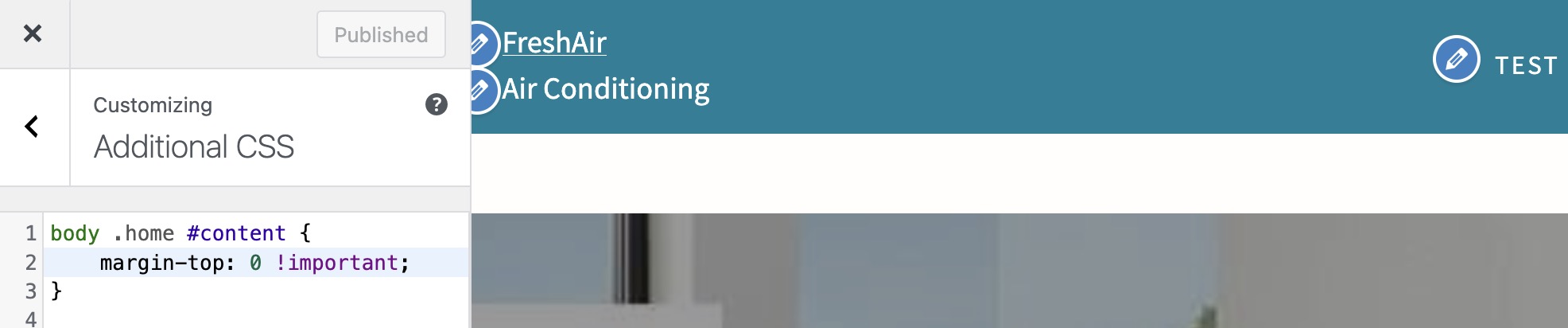
So… it’s a breach of etiquette in any developer support forum I’ve ever been part of to ask for someone to give you the correct code/css. No one but you can know what other css rules you may have added that conflict with or over-ride the css you’ve displayed. Do you understand how to use your browser’s developer tools (‘inspect’ on most browsers) to find out what’s causing the issue?
I’ve never heard this before. I try to practice the “Bambi rule.” In my view there are two choices, like a humor page. You can 1. laugh, or 2. ignore. Both are appreciated and there’s no wrong answer.
I use “inspect” but I’m not skilled beyond that. I often can find the problem, but that doesn’t tell me how to fix it.
I built my first website in 2003, a few weeks before WordPress. Having said that, my skills are still back there. I’m self-taught and there’s a lot my teacher didn’t know.
You need to learn use the inspect tool to find issues in your css:

There are more videos available on YouTube about using the inspector if you don’t like this one.
The screenshot you’ve added has the CSS to do this on the left side. The post you refer to is this one:
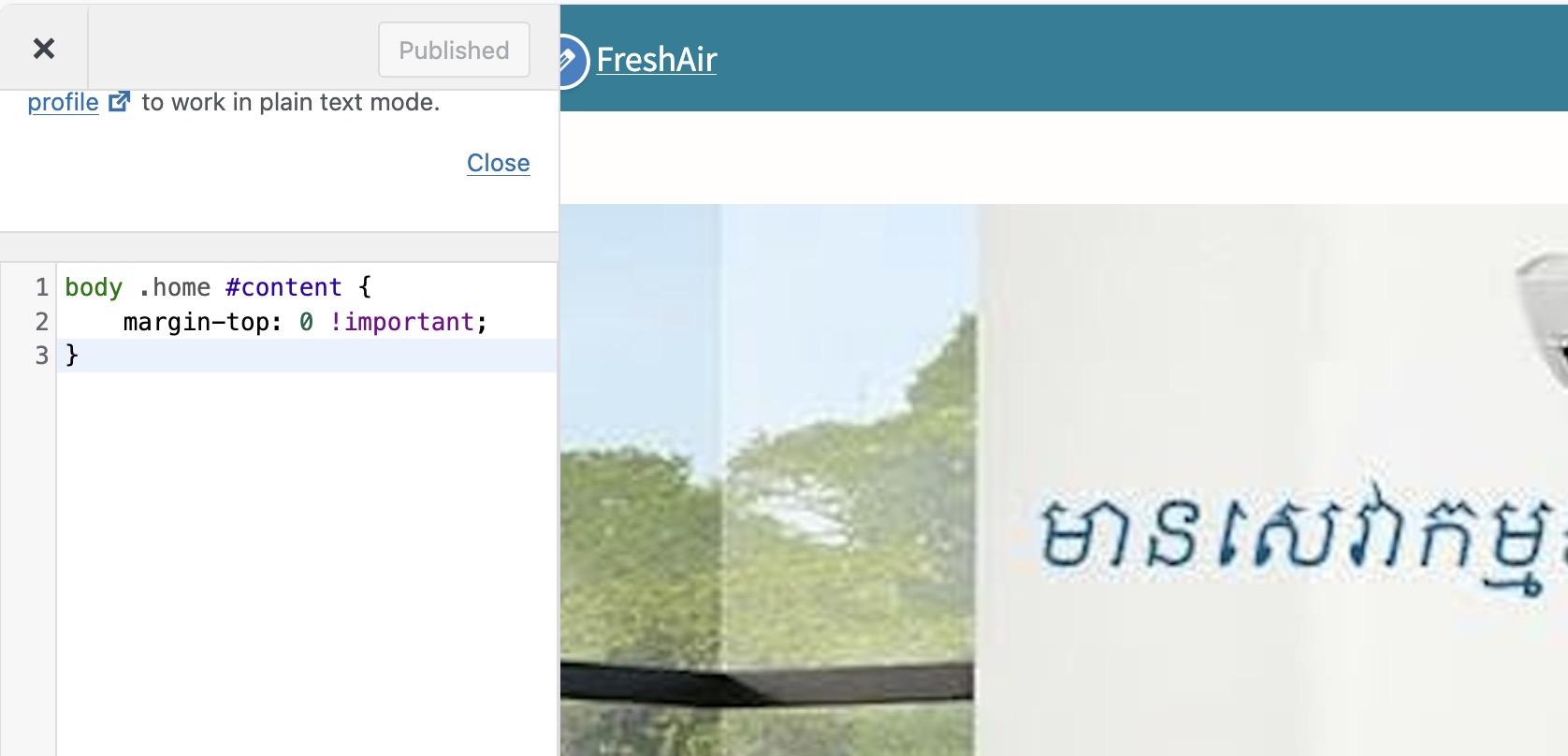
Apparently it works for you, but it’s not working here. CP 2.7.0, CP child theme. https://freshair.builtandhosted.com/ for the curious.
Thank you.
This is what the browser inspector reveals:
body.home #content, body.single #content { margin-top: 2.6em; }
Since ‘home’ is a class applied to the body, your CSS selector for applying 0 top-margin should be ‘body.home #content’ not ‘body .home #content’. An easy mistake to make, but also an easy one to spot.
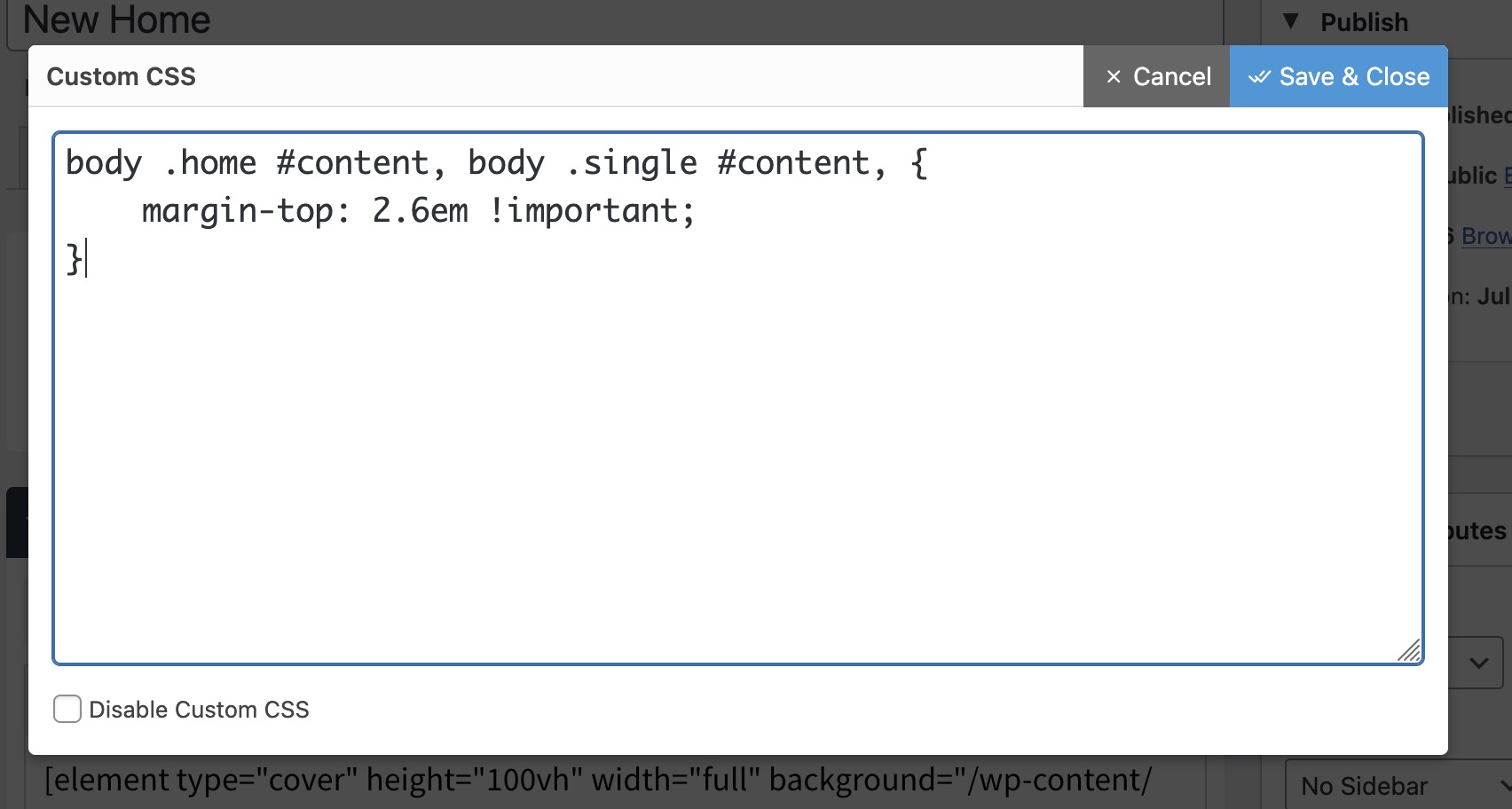
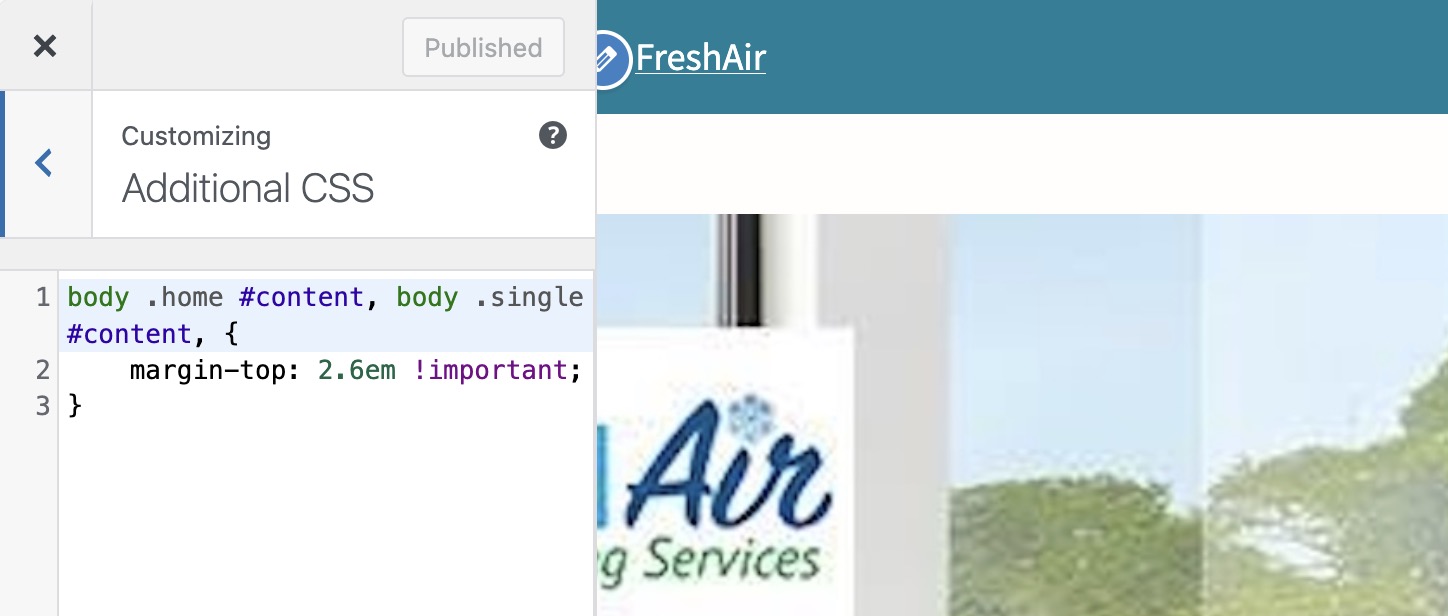
Randal the issue is you have spaces.
The CSS is:
body.home #content
So between body and .home NO SPACE and SPACE between .home and #content. Yours has spaces everywhere.
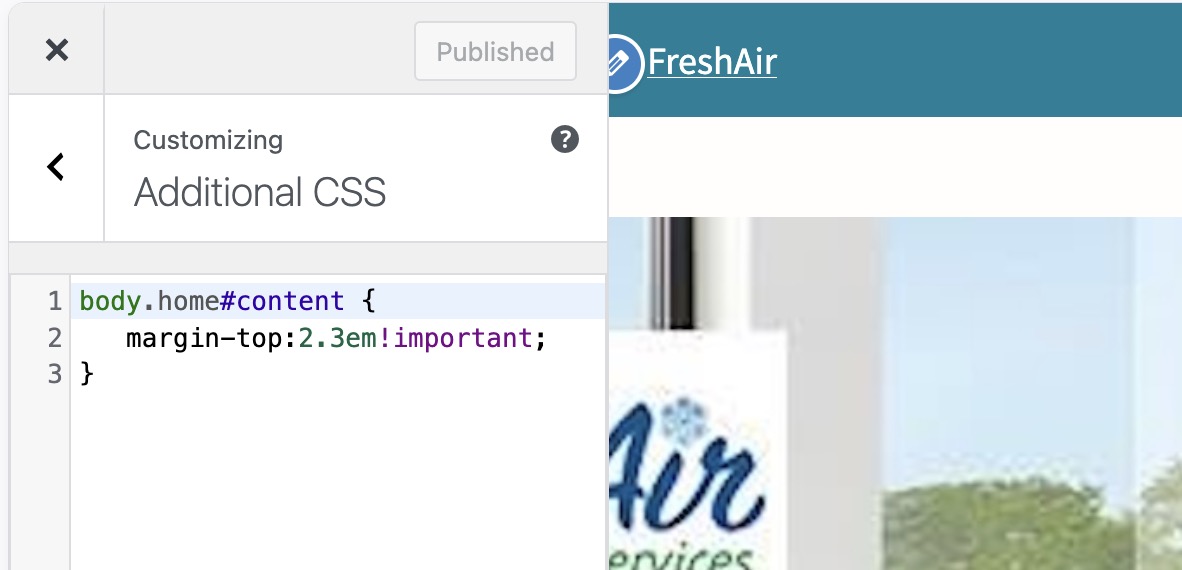
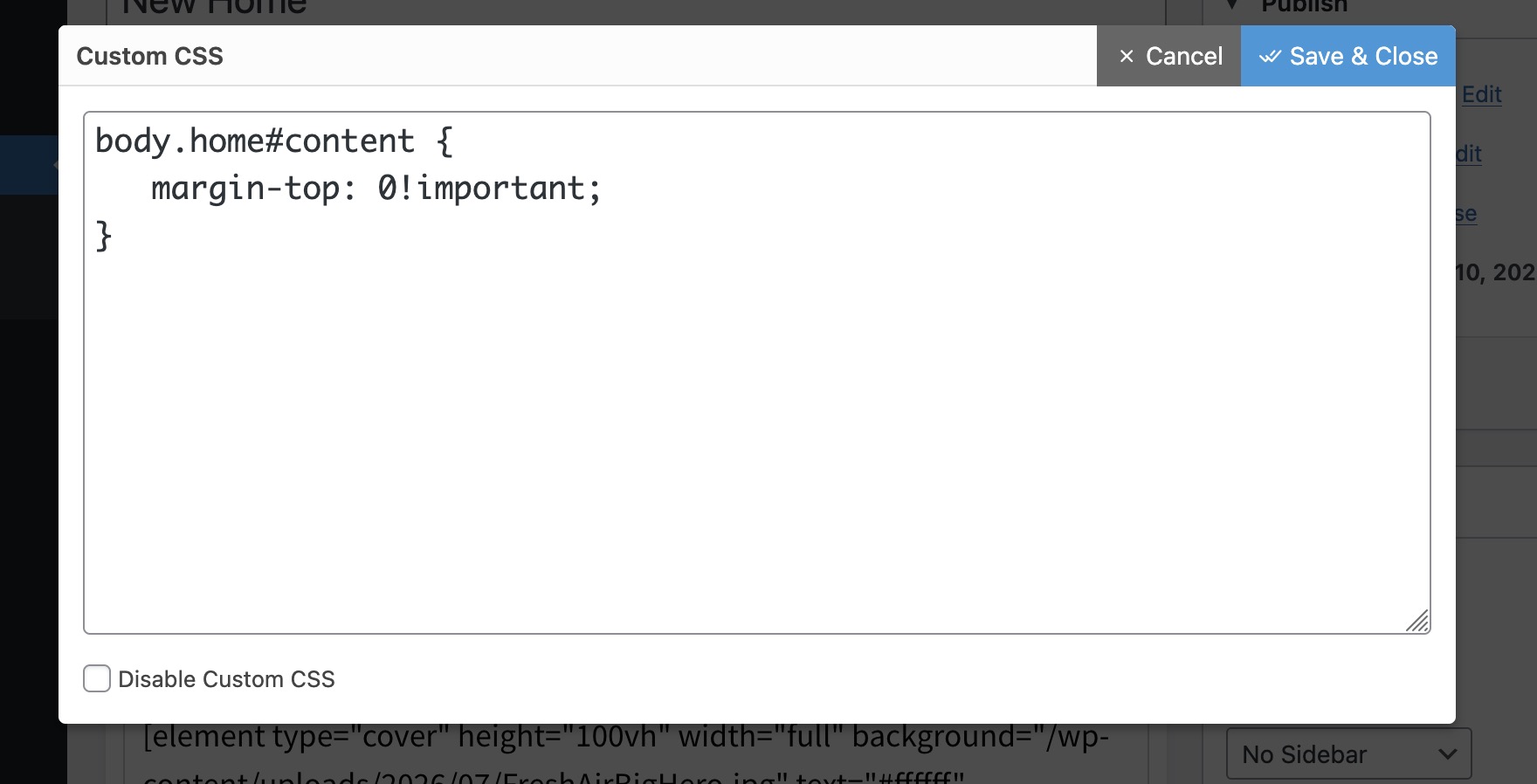
can you give me the link of the site? I lost it I am sure you gave it before but I want to see something
I think there’s something going on here… maybe cache. (sometimes cache affects CSS rules - you have to clear it or visit the site incognito to see the changes. usually once the browser cache is flushed changes appear)


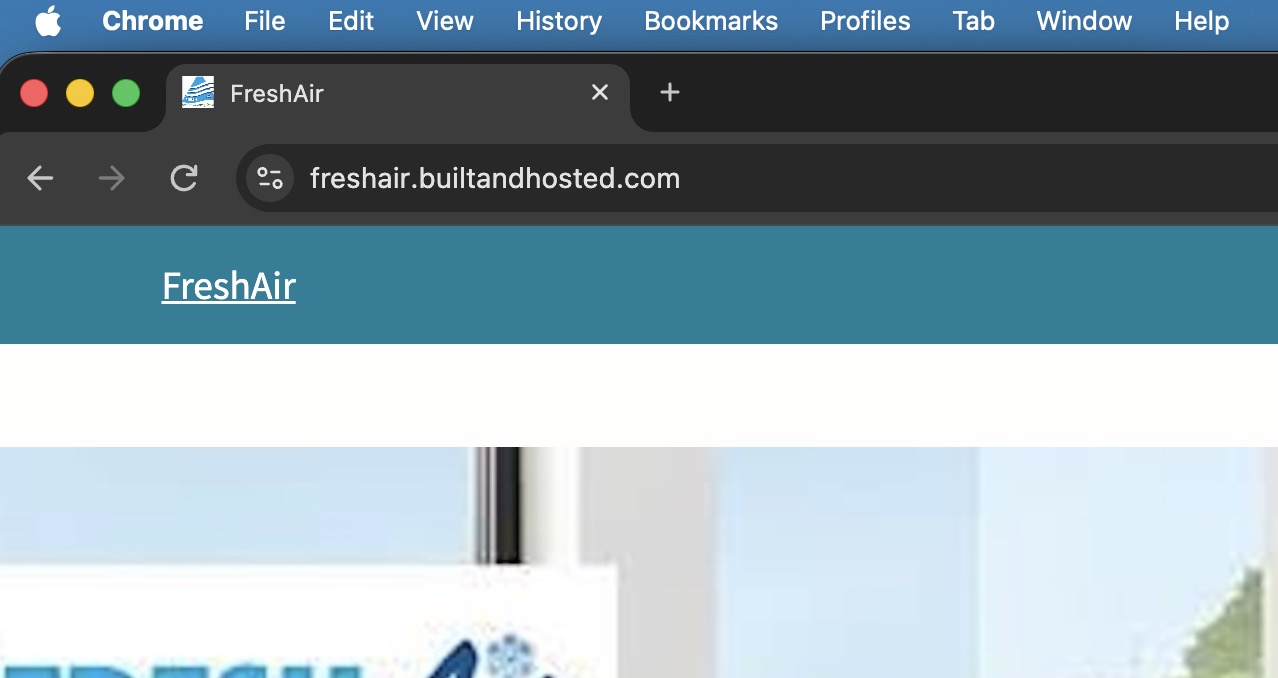
Will look at it as soon as I get back to my laptop. Due to my ADHD this morning I started with an idea to end up rearranging the guts of the house. This issue puzzles me however so I will try to reproduce it.
I think you need something like the:
body.home #content {
	margin-top: 0 !important;
}
Thank you.
That’s what I have but it’s not working. I added that to customizer, page css, and I could also tried style.css.
What else?
The CSS I posted works perfectly when added at the site you provided a link to:
On my searching, no rule like that is being loaded, so what ever changes you have made, they are not being applied or implemented.
Thanks for checking. I will take another crack at it tomorrow