Dear CP community,
Thanks in advance for your kind and generous support to a recent convert.
I’m looking for a theme that doesn’t look like WP AND scores 400 (well, close) in PSI (I know, I know - that’s two unicorns, and going in opposite directions). I’m searching for a base theme. After spending a couple of hours reading similar posts, I have a few questions.
I started with ClassicPress theme and ClassicPress Child. Susty was recommended. I also looked at Susty Child (and a 100 others).
As usual, I downloaded some, installed a few, and generally looked under the hood. Besides functions.php, styles.css, what I found surprised me - and it’s a little hard to explain.
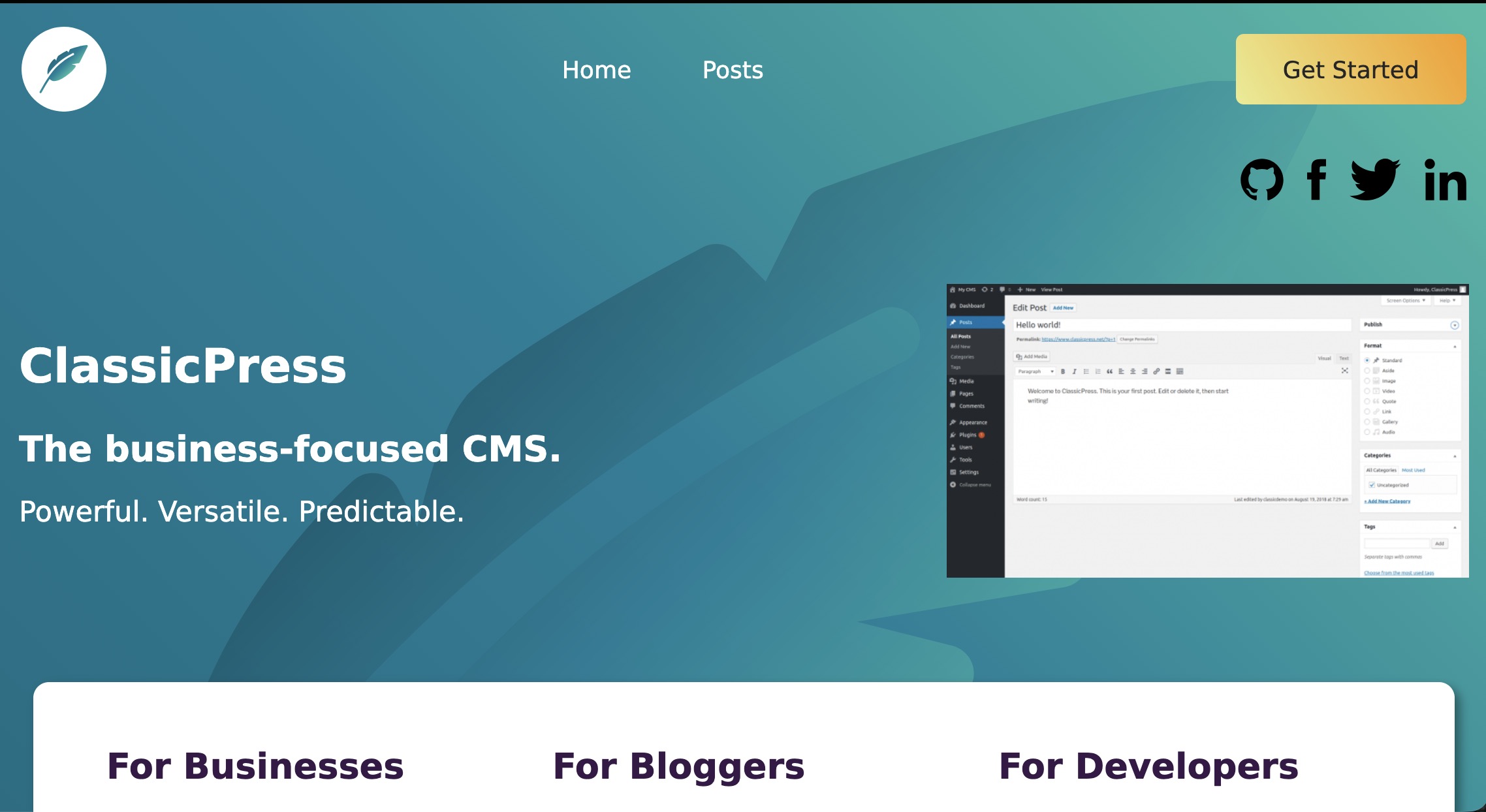
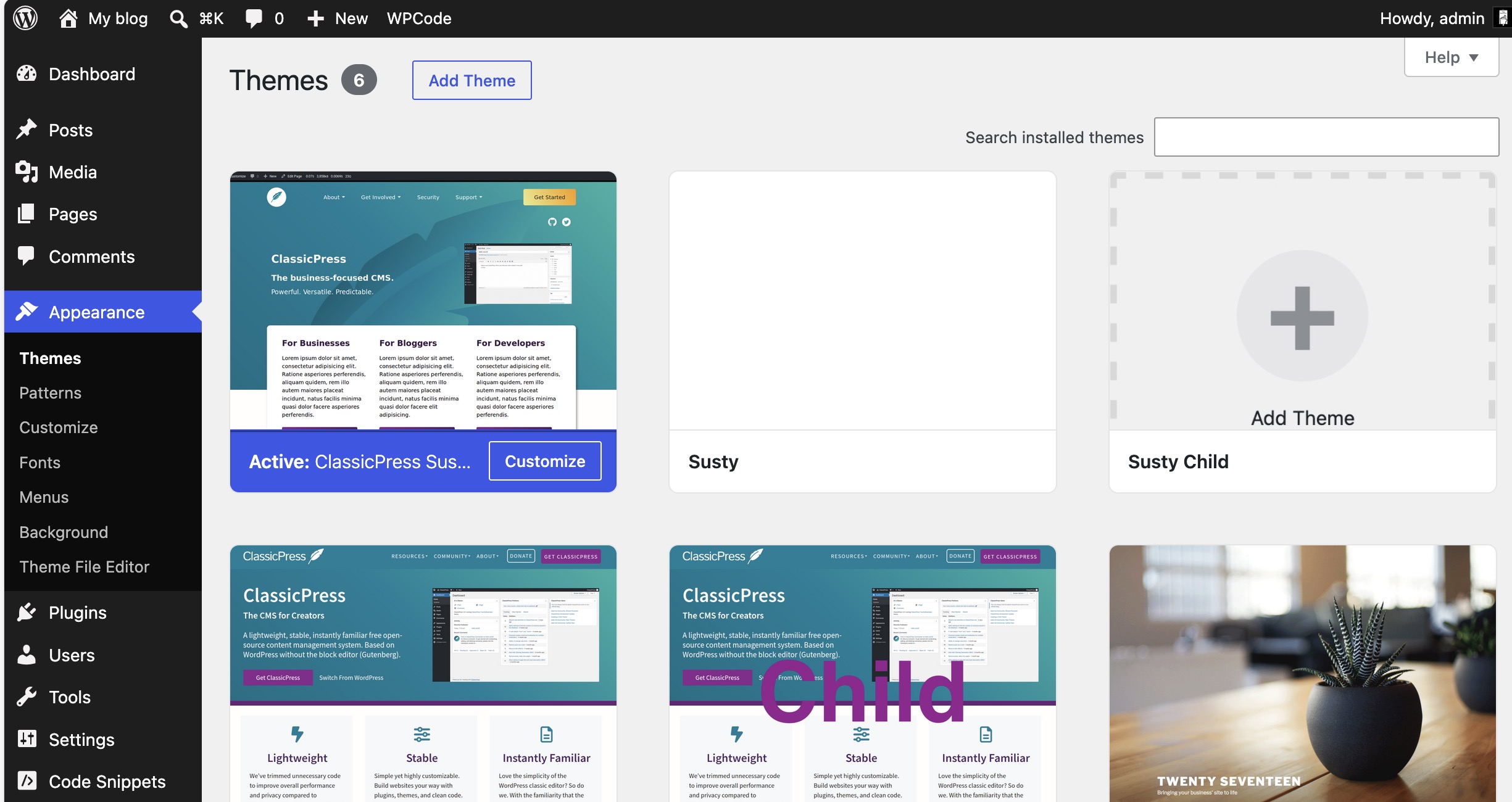
Susty Child (which is what ClassicPress is based on) has a home page, posts page, etc. that show in the menu as normal.
BUT, the default front page is hardwired inside the theme and is apparently NOT editable. Huh?
Q: How can I make this work?
Q: How is this page shown instead of the home page in the menu?
Q: How does one edit this front page without writing code? I can do this, but it’s not very client-friendly for a CMS.
Thanks again!
Hi,
Re The ClassicPress Theme:
You can not duplicate the homepage of the main CP site yet, because a no-sidebar page template is not included yet. But I’ve worked on that and this will be included soon. Guess when CP 2.8 is released. If you want this now, let me know.
There’s already a homepage widget area included, that makes it possible to add one or multiple widgets just underneath the menu bar of the homepage.
Guido
Thanks for the reply.
What I’m asking is,
- how does a page not listed in pages and not included in the menu show up as the home page?
- And how was this page built and edited? It looks like it’s built by hand, which is sort of ok. But only for me.
- That’s really not client-friendly.
Thanks!
You are asking how the home page of the CP website was built? I think it’s a custom template added to the site. You can replicate the layout with the full-width page template that is inside my child theme and FX Builder and related plugins, but you can’t “pixel perfect copy it” just changing the text. That specific design falls under CP contributors who designed the CP main website.
Thanks for your reply.
No copyright issues. Got it. I respect prior efforts. I just like how this was done and want to get up to speed quickly.
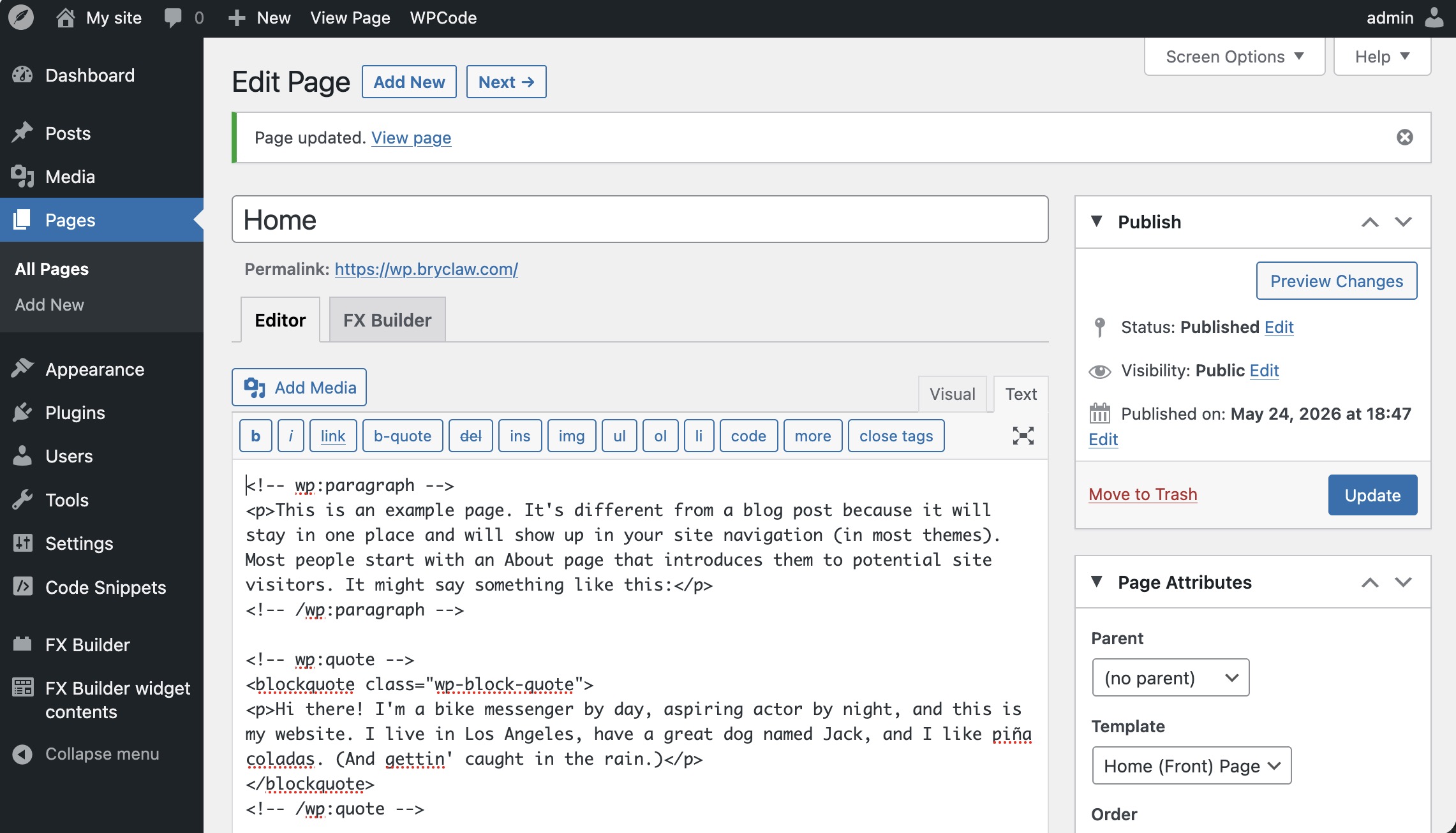
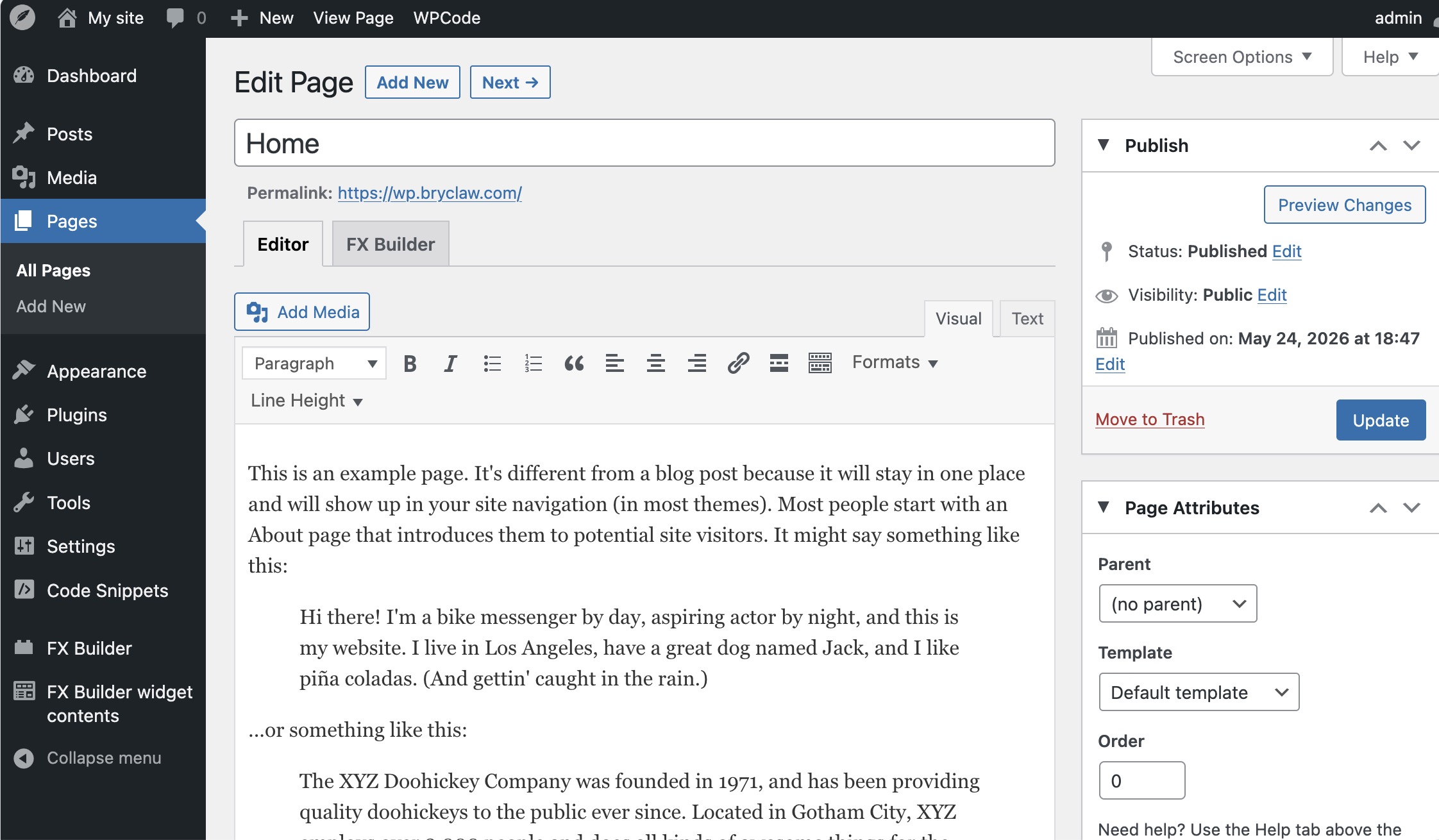
I make a page “Home” and another page “Posts”. I make a main menu and add these pages. I save and publish. I view my website but my pages are not there. This default placeholder is there.
The question is: How does CP decide to put that page there instead of the pages I made?
Thanks again!
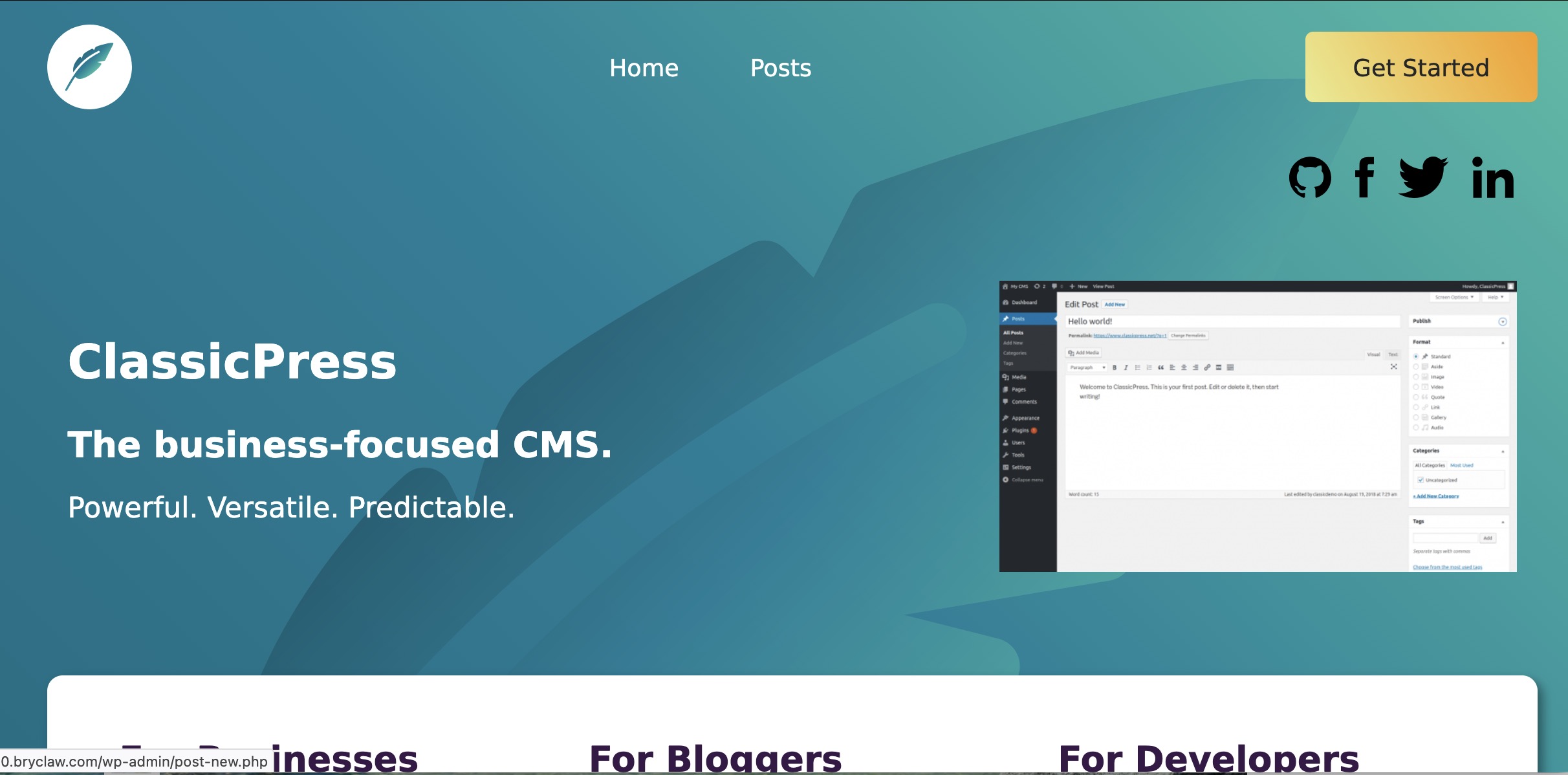
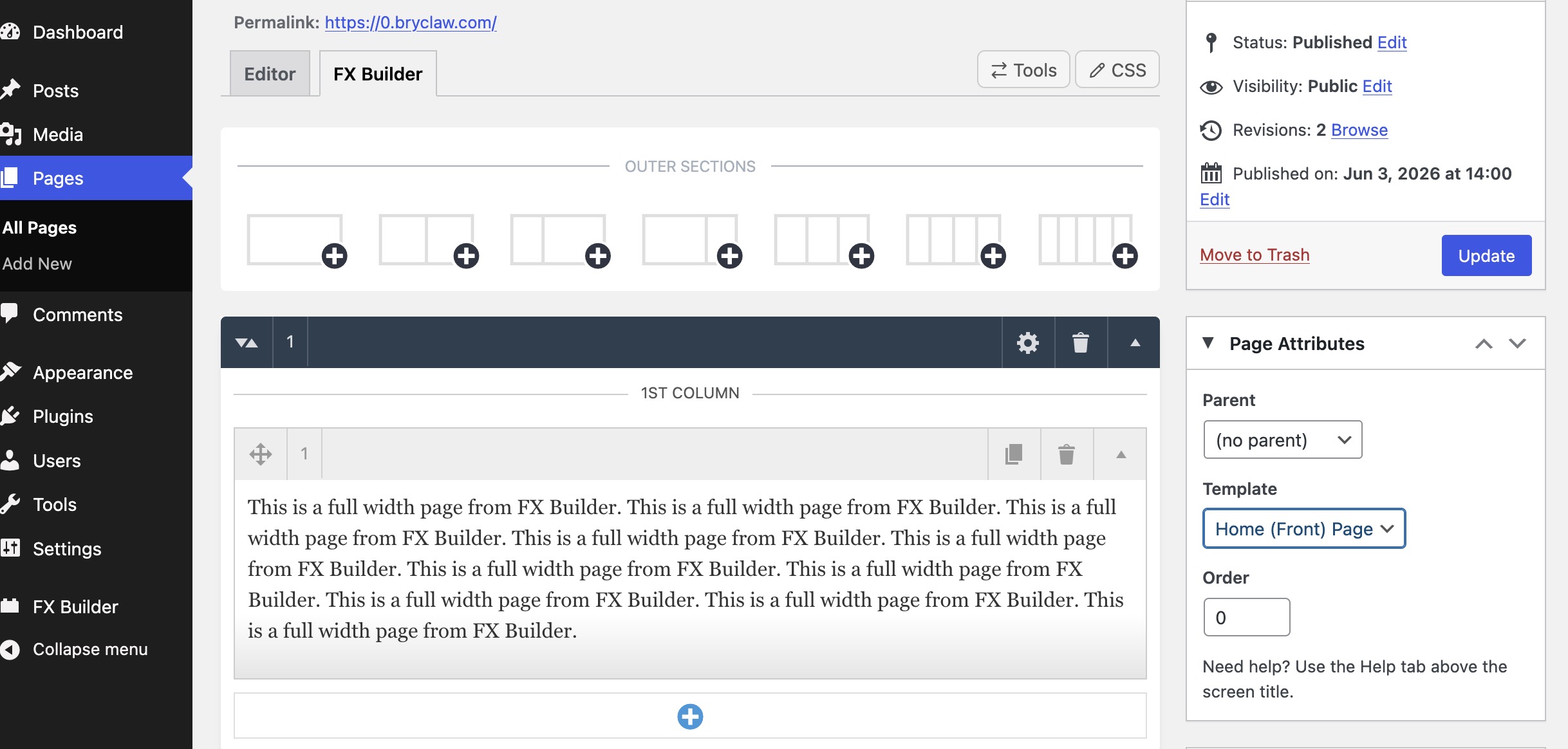
oh now it’s clear. that should in fact not happen in a new website with The ClassicPress Theme installed.
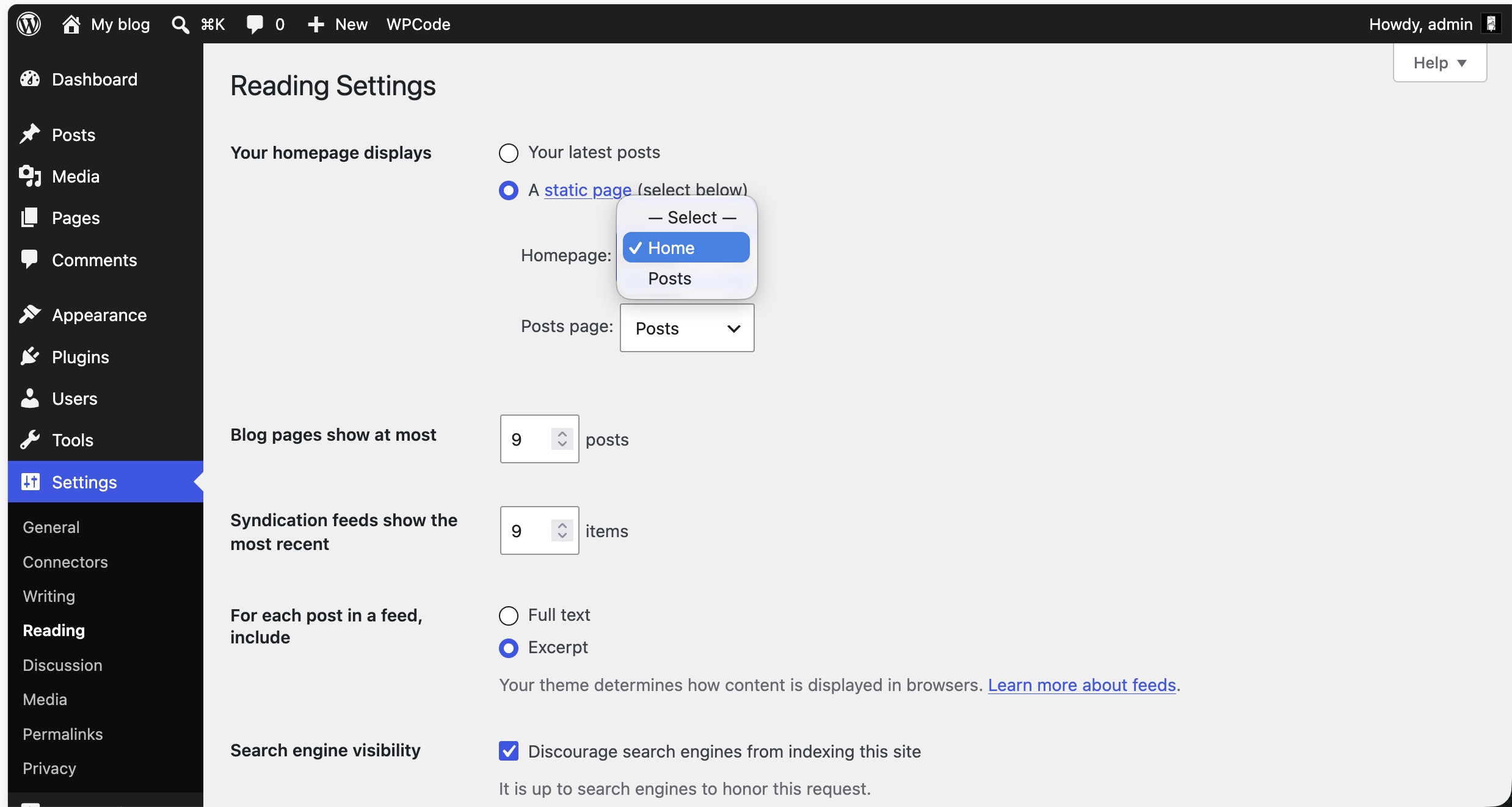
I will look into why it happens tomorrow and get back to you. It seems hardcoded. Have you tried to go to Appearance>Customizer>HomePage Settings, select your home page and blog page and see what happens?
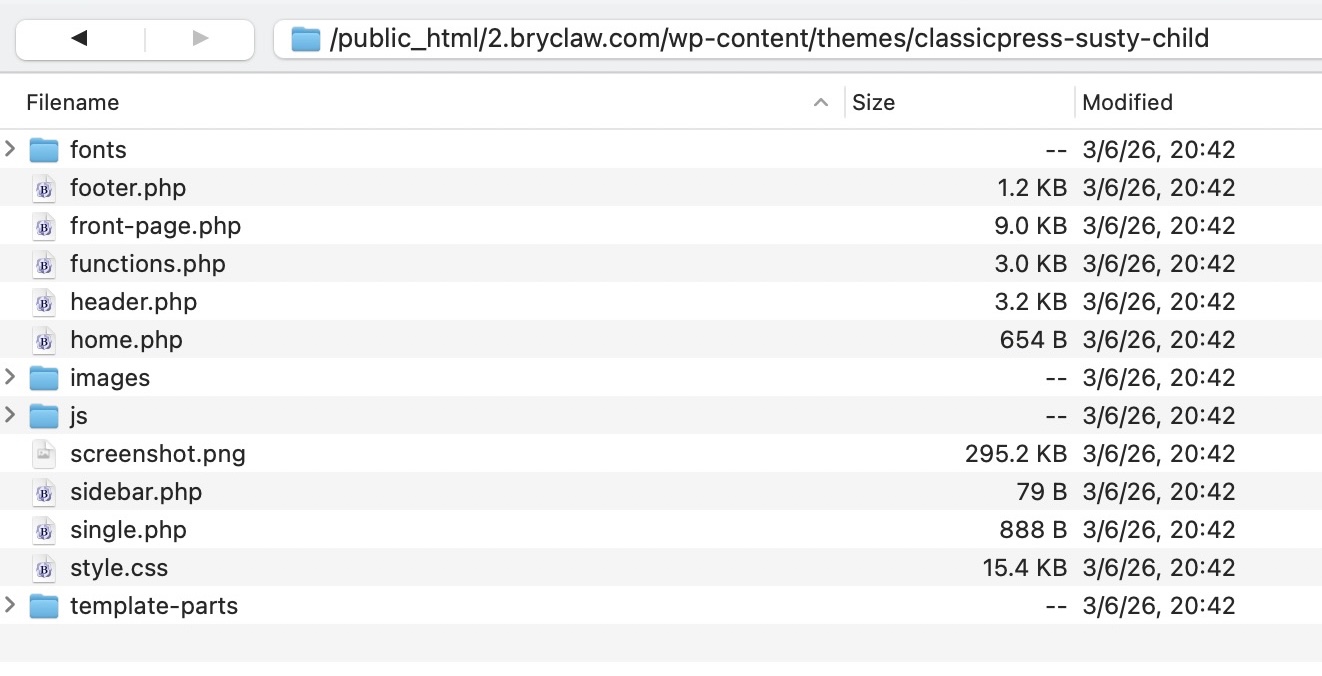
It’s probably the home.php template which overrides the front page.
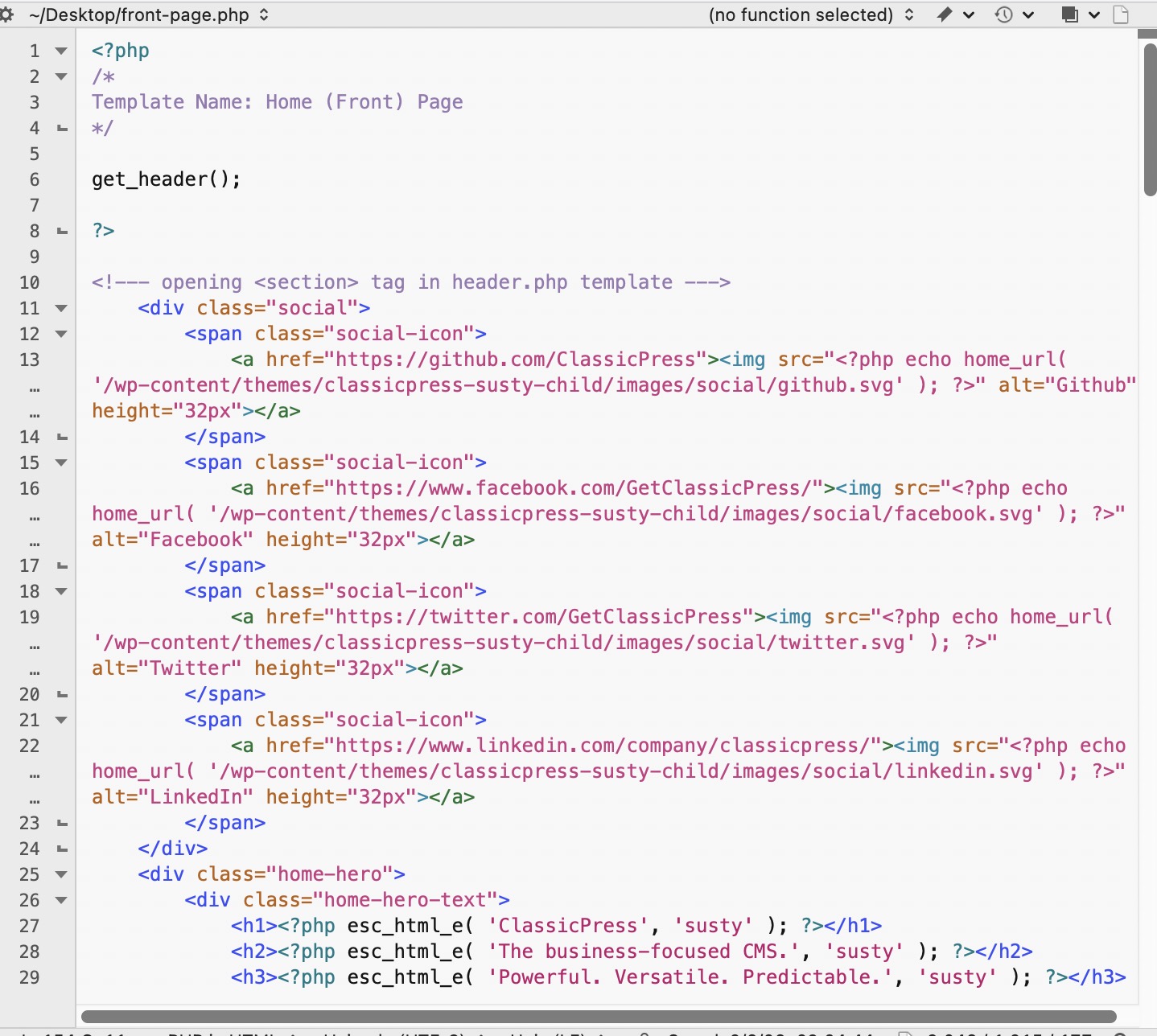
Thanks for your replies. Good idea, ElisabettaCarrara. Ciprian, thanks for the suggestion to look at home.php. I looked inside again. Here is what I found inside.
Again, I can hand code this, but would love to have a method that is client-editable. I don’t have the full answer, but we are closer. Thanks, again.
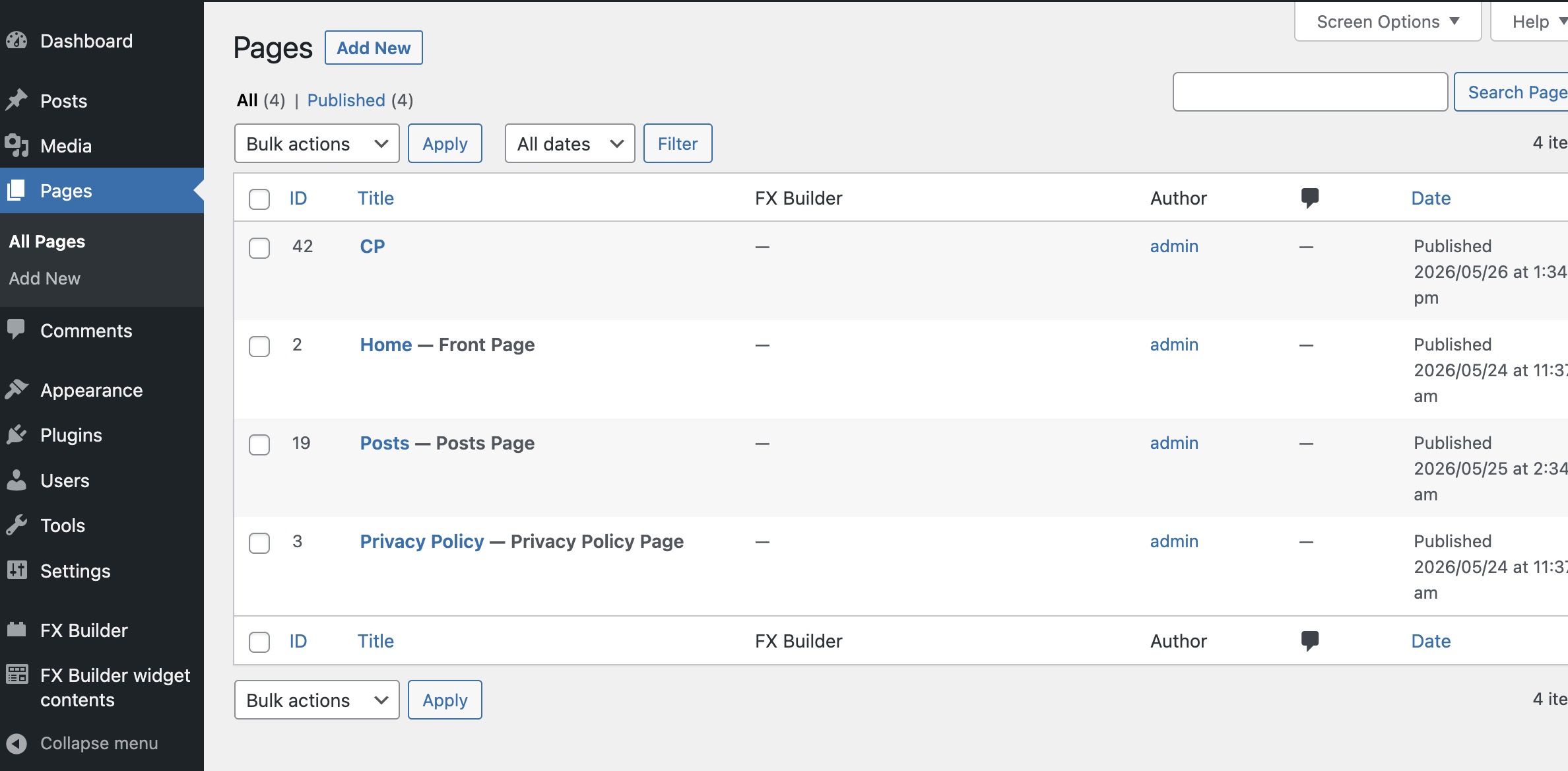
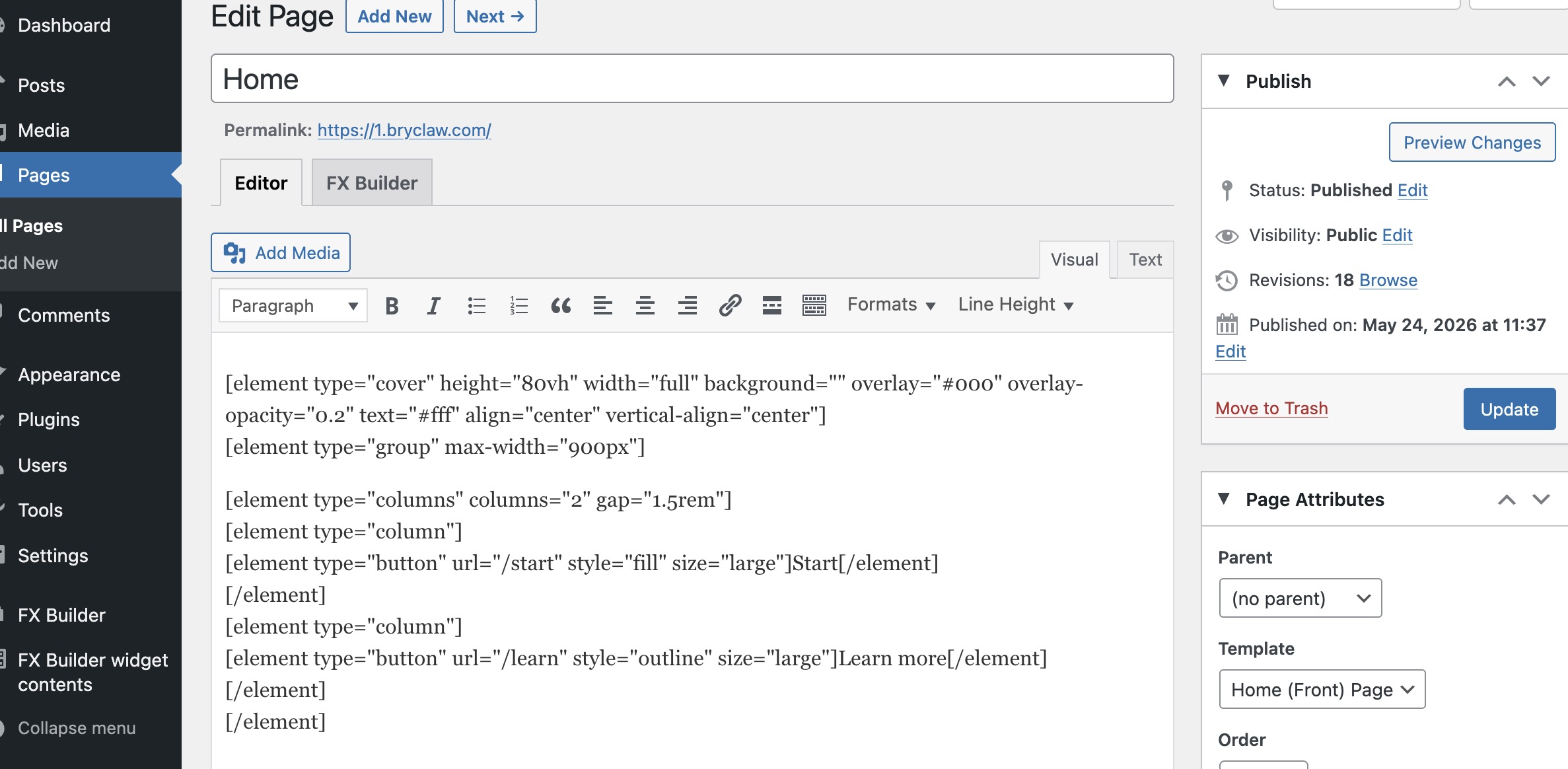
- delete the home page. that is there that is included in the theme
- create your own home page
- visit Appearance > Customizer > Home Page Settings and set “Your Home Page Displays: A Static Page” and under that in the dropdows select your own homepage as frontpage and your blog page as blog page.
The ClassicPress Theme will be updated soon, to include a no-sidebar page template.
Then you are able to create a page that looks like the homepage of the main CP site. Use that no-sidebar page template, together with the homepage widget area (that’s already included).
If you run CP Nightly you can now test the template.
Create a page and select the No Sidebar template from the Page Attributes box.
If you want this page to be the homepage:
Set that page as homepage via Settings > Reading.
You can also add widgets via the widgets page > homepage section.
I understand what is going on
you have to have a site using ClassicPress nightly latest (!!!) that Guido assumed you knew where to find and setup probably because I do not see instructions for that above.
Nightly is the development release that ships every night to allow testing of new features as they come out before being released. allowig such testing is beneficial because people like you and me can spot thing to improve before things get shipped in a release but it’s also really “not advised in production” even if nightly is stable unless you know the risks of using something that has not been released yet and are ok with it.
To switch to nightly you need the switch to CP plugin installed then go to this link: Release 2.7.0+nightly.20260612 · ClassyBot/ClassicPress-v2-nightly · GitHub and copy the link to the LATEST zip source and then go to the switch to classicpress plugin in your dash, activate advanced mode and paste that link in the box where it is indicated and then click the button. that will give you all the latest CP goodies even before they are released, the new modifications to the default theme included.
Be aware that those features are new things, and they are still in testing - overall nightly is as stable as the stable release but really it’s at your own discretion switching to nightly.
Even better, The CP Theme is updated to version 1.3.0 this week and the no-sidebar page template is now available. So you don’t need Nightly anymore.
Create a page and select the No Sidebar template from the Page Attributes box.
I lost that detail - anyway it is a good practice to remind people they can test nightly (because it’s not something that is straightforward and one thing I learned is that people very often do not have the time to read all the docs to arrive at the juicy parts)