Hey there! I’m still here, lurking in the shadows, but I’m not gone.
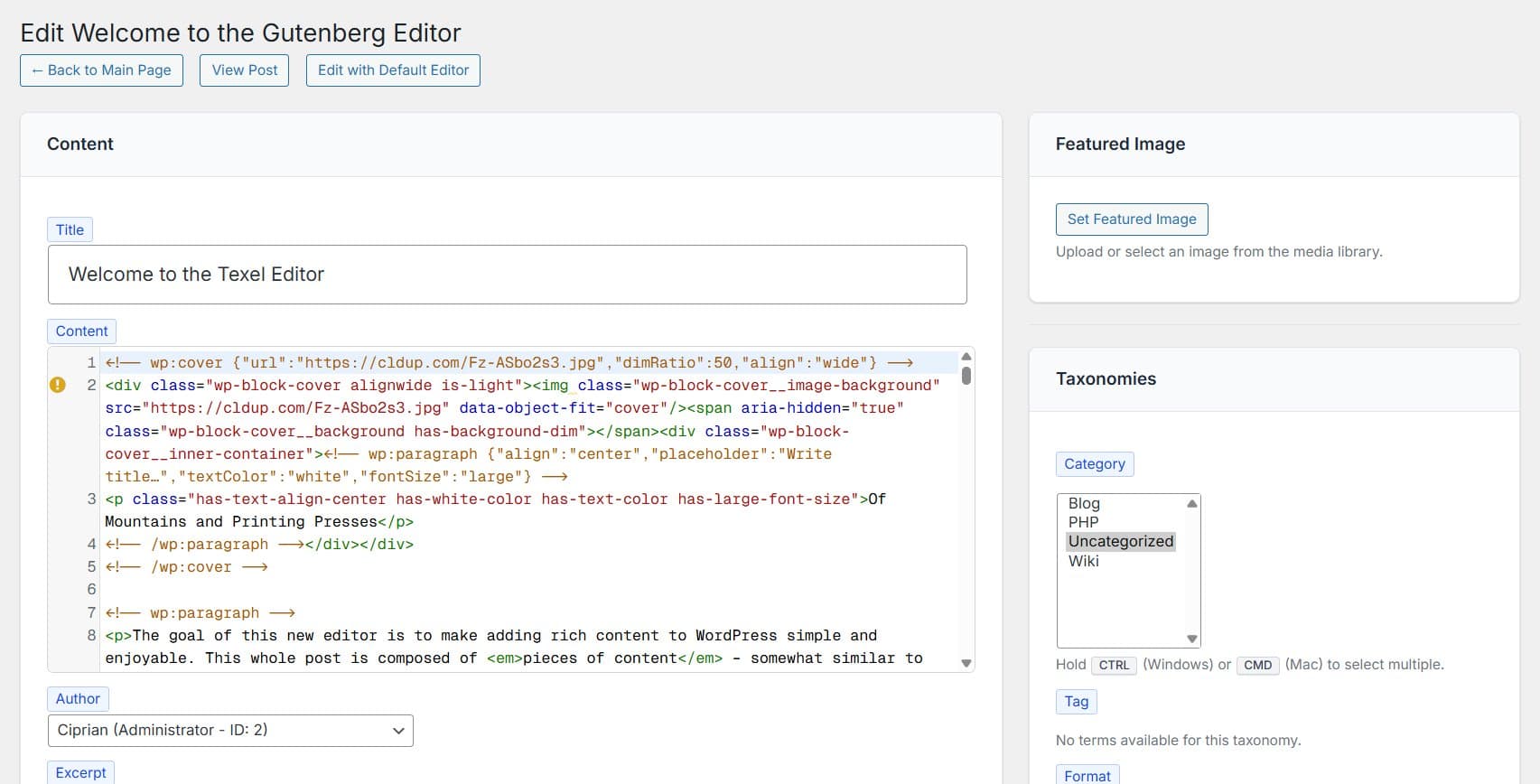
I have just finished a plugin, an editor of sorts, where the content is code-based. The plugin is minimal, one PHP file, one JS file and one CSS file. Nothing fancy.
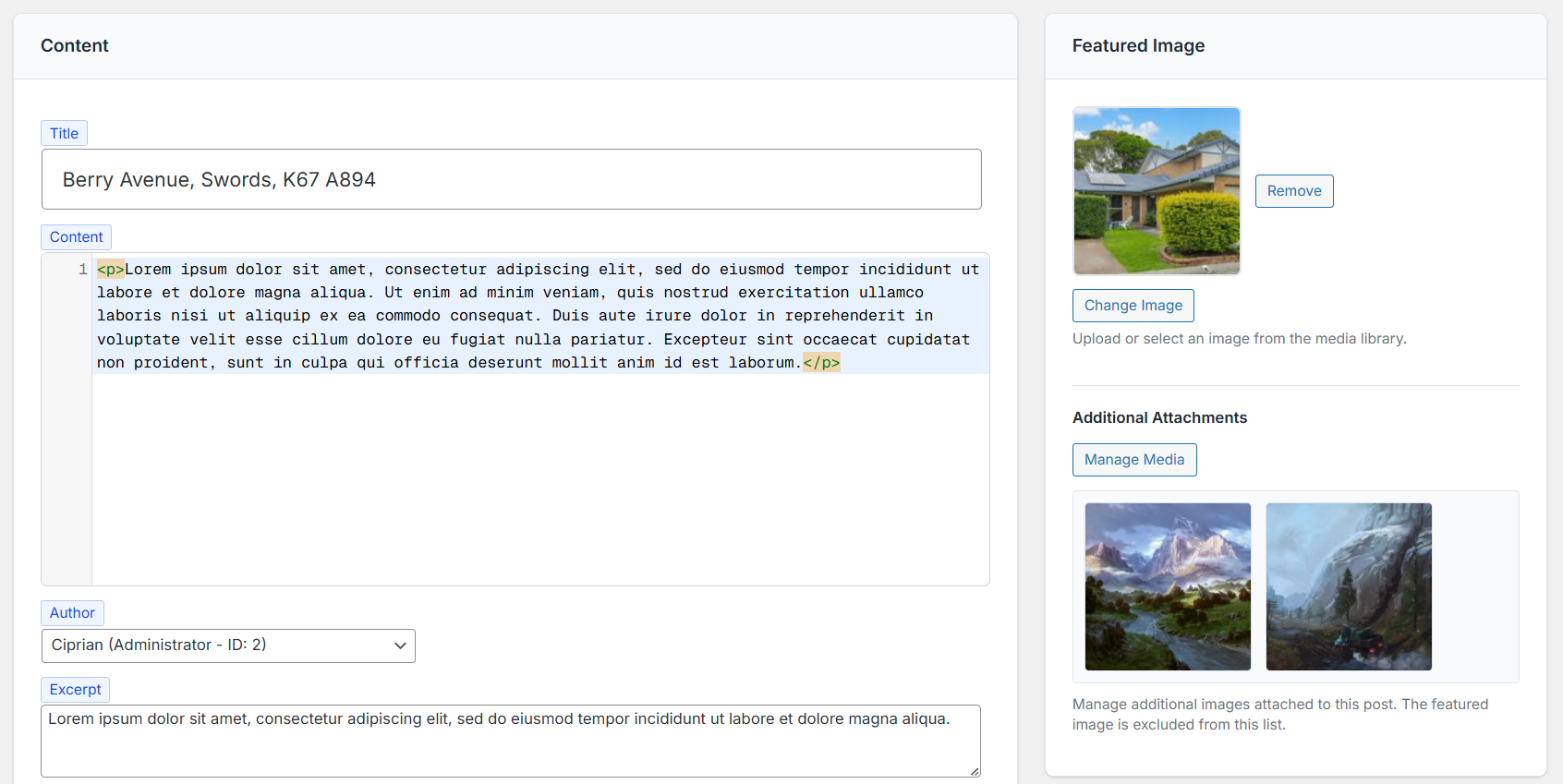
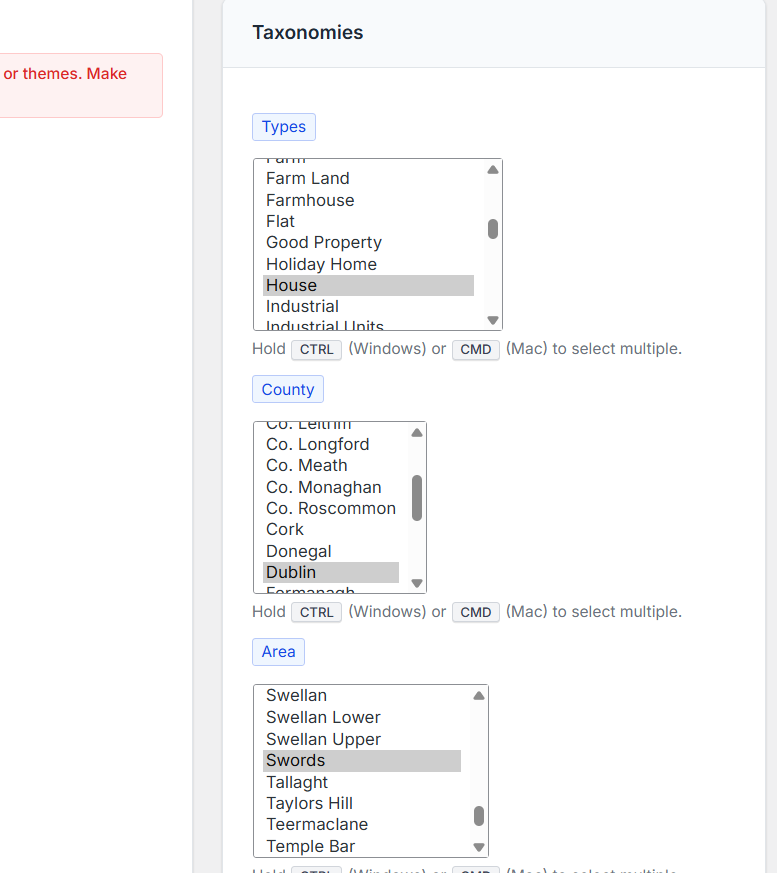
It allows admins to edit all available public posts (posts, pages, FAQs, testimonials, CPTs), taxonomies, meta fields and featured images.
It’s not ready for release yet, but I think the ClassicPress community will find it very useful, especially older old-school developers.
I am now adding a way to attach images, and then I need to find a name. What do you think of Texel, and the idea, in general?
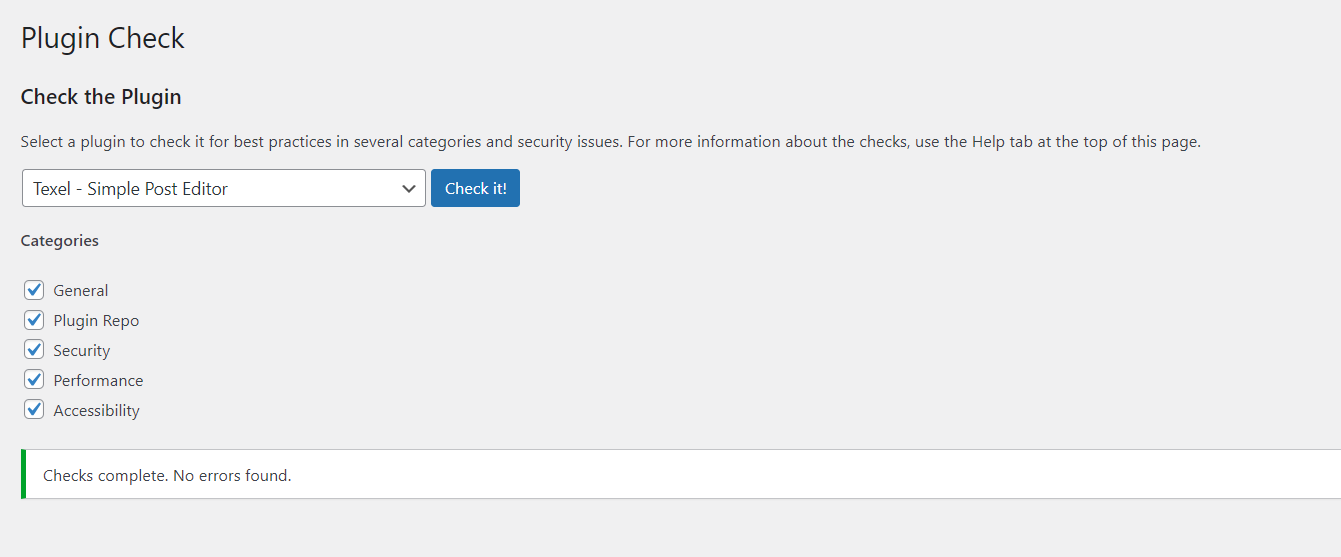
UPDATE #1: Forgot to mention, the plugin does not set any options, and it’s basically zero-footprint.
Looks great!
Your last screenshot lists the Taxonomies, how does that work in conjunction with your editor? Or not relevant for the editor itself, because it simply displays the taxonomy/terms of the post/page that is currently edited?
Re the name: Texel is also an island and part of The Netherlands
A preview button, you mean. Sure, I can add that one.
I built this to fox a website where I could not load the pages using the block editor. The website would return a fatal error only in the editor. Turned out it was an unclosed shortcode that messed up something. My editor fixed it and the block editor loaded again.
I now manage four websites that run on CP. What I appreciate about CP is its clarity and speed.
However, we are now slowly reaching a critical point: as described in this thread, the block editor is digging itself deeper and deeper into the entire ecosystem.
Themes and plugins that used to work now display errors in CP that cannot be easily fixed.
Alternative themes are still rare: I’m not promoting any particular theme, but something like Kadence with lots of customization options is missing as a ‘bread and butter’ theme in CP (it no longer works with CP :/…).
So my suggestion is: Develop such a theme or adapt one so that CP does not appear increasingly flawed in the eyes of the average user.
I liked Kadence, and yes - lack of such themes thereof is one of the things that is keeping people who build websites for clients back since they offer all there is to need in the theme itself (without the need to install builders + add-ons).
However to develop such a theme is not a one man show IMHO.
For example, adapting kadence would require purchasing the paid version and customizing its code (that is complex since it offers so many features).
One other theme that in the past I liked was Pen that however lacks the builder experience to it BUT ships many options.
As of now Pen has only Thickbox and the HTML5 support deprecations… It should work in CP. After my exam tomorrow I want to see if it is possible to remove thickbox (it’s easy - there is a tutorial in the ClassicPress blog to teach that).
It could be a start. Suggestions on a good name for it??? If I work on it I am going to fork it and also bring it up to date with PHP 8.4 and CPCS standards and also I want to give it a cool name.
Based on over 15 years of experience in the open source community, I would like to say what perhaps is crystal clear to everyone:
A system like WP became so successful because it offers an easy-to-use, complete ecosystem: With plugins and themes, all wishes can/could be fulfilled.
IMHO, CP only has a chance if it offers such a complete ecosystem: The community probably doesn’t need a lot of blingbling, but stable, usable resources are an absolute necessity (analogy: Linux smartphones were cool devices at the beginning of the mobile age, but they didn’t stand a chance against the overwhelming offerings of the Android & iOS ecosystem).
Many websites (not just blogs!) use WP: An alternative to it must offer users at least this core functionality.
I am still convinced that ClassicPress has a real future: Reviews of the block editor range from “I’ve gotten used to it” to “Some people think it’s very good.” – I don’t have the current figures, but the ‘anti-block editor’ at WP is probably still very popular.
A name?
The ‘CP Bread and Butter Theme’ (<= Butter can also be understood as vegetable butter )
Bread&Butter seems very fine to me - I think it should say what’s in the tin (Pen is a very feature rich theme able to help in setting up all global options you can think of in terms of designing in the Customizer. By pairing it with Shortcodes Ultimate (that still works with CP and that I should fork sometime down the line….) and FX Builder to create rows and columns it can give the complete builder experience without the bloat.
About forking Shortcode Ultimate, it’s a behemoth - and I am able to only fork the free version BUT even forking just that, the pro only offers a bunch of presets and shortcodes more (so I can just document how to create preset styles and shortcodes and be done with the free version that is loaded with all the essentials and some more).
Have just installed the plugin. My custom post type isn’t listed in the “Post type” dropdown. Is this an error or something that will be added in the future?
Your plugin page: the big blue button isn’t linked and the “Documentation & updates” link > 404.
Aha, this post type is not public: 'public' => false.
Don’t want to display the post at the frontend, that’s why.
When changing it to public it does list.
So no error, it’s by design.
 old-school developers.